How to Invoice Clients Without Revealing Your Home Address (Freelancer Privacy Guide 2026)
Why Freelancers Don't Want to Put Their Home Address on an Invoice?
If you work as a freelancer from home, you may not want every client to know where you live. That's completely understandable. Your invoice is a business document, but your home address is also part of your personal information.
This is especially common when you work with clients you've never met in person. You may be happy to share your email, phone number, and payment details, but that doesn't mean you want your residential address sitting on every PDF you send.
Create Professional Invoices in Minutes
Generate clean, accurate invoices instantly with our free online invoice generator. No signup required. Fast, simple, and professional.
The good news is that you may have other options. Depending on where you live and the type of invoice you're issuing, you might be able to use a business address, mailing address, PO Box, or virtual business address instead.
But don't simply delete your address from an invoice without checking the rules that apply to your business. Some countries and tax systems require certain business or tax details to appear on invoices.
The goal of freelancer invoice privacy isn't to hide who you are. It's to keep your personal information private while still giving your clients everything they need to pay you and keep proper records.
Do You Have to Put Your Home Address on an Invoice?
Not always. Whether you need to show an address on an invoice depends on where your business operates, your tax status, and the type of invoice you're issuing.
This is where freelancers need to be a little careful. A normal payment request and a formal tax invoice may have different requirements. For example, a tax-registered freelancer may have to include business details that aren't necessary on a simple invoice.
That doesn't necessarily mean you have to publish your home address. In some situations, you may be able to use a business or mailing address instead. But you need to make sure the alternative address is acceptable under the rules that apply to you.
Before creating an invoice without a home address, check three things:
Your country's invoice rulesWhether you're registered for GST, VAT, sales tax, or another taxWhether the address you're planning to use is accepted for that purpose
Don't use a made-up address just to protect your privacy. That can create bigger problems than showing your home address.
A better approach is simple: find out what information you're required to provide, then use a legitimate business or mailing address where the rules allow it. This lets you protect your personal information without making your invoice incomplete or misleading.
What Can You Use Instead of Your Home Address?
If you don't want your home address on every invoice, you may have a few alternatives. The right choice depends on your country and what the address is being used for.
1. Business Address
If you have a separate office or business location, you can generally use that address for your business documents where appropriate. It keeps your work information separate from your personal address.
2. PO Box
A PO Box can be useful when you mainly need a place to receive business mail. However, don't assume a PO Box can replace a physical address for every legal or tax requirement.
3. Virtual Business Address
A virtual business address gives you a business mailing address without requiring you to work from that location every day. Some freelancers use this option specifically to keep their home address private.
Before using one, check whether the provider allows you to use the address for business invoices and official documents.
4. Coworking Space Address
If you regularly work from a coworking space, the provider may offer a business mailing address as part of its services. Check the terms before putting it on your invoices.
5. Registered Office Address
If you operate through a company or other formal business structure, you may have a registered office address that can be used for certain official purposes. This isn't necessarily the same thing as a mailing address, so don't treat the two as interchangeable.
The important point is that you shouldn't simply replace your home address with any random address. Choose a legitimate address that you have permission to use and that meets the rules for your situation.
If your goal is to invoice without showing your home address, a proper business or mailing address is usually a much safer approach than removing the address completely.
Can You Send an Invoice Without Any Address?
Sometimes, yes—but you shouldn't assume that every invoice can be sent without an address.
The answer depends on where you live and whether you're issuing a tax invoice. Different countries have different invoice rules, and some require specific business or seller details to appear on an invoice.
For a simple freelance payment request, your client may only need to know who you're billing, what work you completed, how much they owe, and how to pay you. But if you're registered for GST, VAT, or another sales tax, additional information may be required.
That's why there's an important difference between removing your home address and removing your address completely.
If the rules require an address, don't leave the field blank just because you want more privacy. Instead, check whether you can use a legitimate business address, mailing address, or another accepted address.
For example, your invoice could show:
Your Name / Business Name
Business or Mailing Address
Email: [email protected]
Phone: +1 000 000 0000
This gives the client useful business information without automatically exposing where you live.
So, if you're looking for an invoice without home address, focus on finding a privacy-friendly address option that still meets your local invoice requirements.
How to Hide Your Home Address on a Freelance Invoice?
If you work from home, you don't need to put your residential address on an invoice just because that's where you do your work. The first step is to check whether your local rules actually require an address and, if they do, what type of address is acceptable.
Once you know the requirement, use this simple approach:
1. Check Your Local Invoice Rules
Start here. If you're registered for GST, VAT, sales tax, or another tax, check the rules for tax invoices. Don't remove a required business detail without checking first.
2. Choose a Legitimate Business Address
If you have a separate business address, mailing address, PO Box, or suitable virtual business address, you may be able to use it instead of your home address.
3. Update Your Invoice Template
Remove your residential address from the template and replace it with the address you're allowed to use. Check old templates too—it's easy to accidentally send an outdated version.
4. Keep Your Contact Details Clear
Protecting your address doesn't mean becoming difficult to reach. Keep your business email, phone number, website, or other appropriate contact information on the invoice.
5. Check the PDF Before Sending
Open the finished PDF and look at every section. Make sure your home address isn't still sitting in the header, footer, payment section, or another hidden field.
6. Keep Your Private Records Separate
Your invoice can contain only the information your client needs, while your full residential and tax records can stay in your private business files.
This is a simple way to hide your home address on an invoice while still keeping your billing clear and professional. The key is to protect your privacy without removing information that your local rules require.
Using a Virtual Business Address for Freelancing
A virtual business address can be a useful option if you work from home but don't want to put your residential address on every invoice.
In simple terms, it's a business mailing address that you can use for receiving business mail and, depending on the service and local rules, for certain business documents. Some providers also offer mail forwarding or scanning, so you don't have to visit the address yourself.
For freelancers, the main benefit is privacy. Your client sees a business address instead of your home address, while you can still give them a proper way to identify and contact your business.
But don't sign up for the first service you find. Check what you're actually allowed to use the address for. Some providers may allow general business mail but not government registration, tax documents, or other official uses.
Before choosing one, check:
Whether the address is a real physical business address Whether you're allowed to use it on invoices Whether mail can be forwarded to you Whether the service works in your country Whether it can be used for tax or business registration if you need that What happens to your mail if you cancel the service
A virtual address isn't a magic way to remove every address requirement. It's simply one possible option for invoice privacy for freelancers.
If your local rules allow it, it can help you keep your home address private while giving clients a clear business address to use.
What About Your Tax Invoice or GST/VAT Invoice?
This is where privacy needs a little more care. A regular invoice and a formal tax invoice aren't always subject to the same requirements.
If you're registered for GST, VAT, sales tax, or a similar tax, your invoice may need specific business and tax details. Depending on your country, this could include your business name, address, tax registration number, invoice number, date, client details, tax rate, and tax amount.
So don't remove your home address from a tax invoice just because you want more privacy. First check whether an address is required and whether you can use another legitimate address instead.
For example, if your local rules allow a business or mailing address, you could use that on your invoice while keeping your residential address private.
It's also important not to confuse privacy with hiding information from tax authorities. Your private business records should still contain the information you're required to keep. Your goal is simply to avoid unnecessarily sharing your residential address with every client.
When creating an invoice without a home address, always ask:
Is this a regular invoice or a tax invoice? Am I registered for a tax? What information must I legally show? Can I use a business or mailing address instead?
If you're unsure, check your local tax authority's current rules before sending the invoice. A small amount of checking is much better than having to fix a tax invoice later.
What Information Should You Still Show on an Invoice?
Removing your home address doesn't mean your invoice should look incomplete. Your client still needs enough information to know who sent the invoice, what they're paying for, and how to pay you.
A good freelance invoice can include:
Your name or business name
Business or approved mailing address, if required
Business emailPhone number, if you want to provide one
Invoice number
Invoice date
Client's name or business name
Description of the work
Amount charged
Tax details, if applicable
Payment method or bank details
For example, instead of putting your residential address at the top, you could show:
Alex Design Studio
Business Address: 100 Example Street, Toronto
Email: [email protected]
Phone: +1 000 000 0000
Then put the invoice and client information underneath.
You also don't need to put every piece of personal information you have on an invoice. Your home address, personal email, private phone number, and other details don't need to be included simply because you have them.
The right freelancer invoice privacy approach is to share what's needed for the transaction and keep unnecessary personal information out. Just make sure you're still meeting the invoice and tax rules that apply to your business.
Example: Freelancer Invoice Without a Home Address
Let's look at a simple example. Imagine you're a freelance web designer working from home. You want to bill a client, but you don't want your residential address printed on the invoice.
Instead of showing your home address, your invoice could look like this:
Ava Web Studio
Business/Mailing Address: 100 Market Street, Toronto, ON
Email: [email protected]
Phone: +1 000 000 0000
INVOICE #INV-2026-018
Invoice Date: September 1, 2026
Payment Due: September 15, 2026
Bill To: ABC Digital Inc.
Service: Website design and development — CAD $2,000
Subtotal: CAD $2,000
Applicable Tax: CAD $260
Total Due: CAD $2,260
The names, address, contact details, and amounts here are only examples.
Notice what's missing: there's no residential address. The client still has enough information to identify your business, understand the work, see the amount due, and contact you.
However, don't copy this format blindly. If your country requires a specific address or other information on a tax invoice, you need to include it or use an acceptable alternative.
That's the key to creating an invoice without showing your address: protect your home address where you can, but don't leave out information that the law requires.
Common Privacy Mistakes Freelancers Make
Protecting your home address isn't only about removing one line from an invoice. A few small mistakes can still expose personal information without you noticing.
Using a Fake Address
Never make up a business address. If an address is required, use a real address that you're legally allowed to use.
Using Someone Else's Address Without Permission
Don't put a friend's, family member's, or another business's address on your invoice unless you have permission and you're sure it's suitable for business use.
Forgetting Old Invoice Templates
You may update your new invoice but accidentally send an old template that still contains your home address. Check your saved templates and previous documents.
Sharing Invoices Publicly
An invoice contains personal and financial information. Don't upload an unedited invoice to social media, public websites, or online groups.
Putting Too Much Personal Information on the Invoice
Your client doesn't normally need your personal details just because you're working as a freelancer. Keep unnecessary information off the document.
Ignoring PDF and Document Details
Before sharing a PDF, check the visible content and, when relevant, the document properties or other information stored in the file.
Assuming Privacy Rules Are the Same Everywhere
They aren't. Invoice requirements vary by country and sometimes by tax status.
Good invoice privacy for freelancers is about finding the right balance: give your client the information they need, but don't hand over your private home details when they're not necessary.
Invoice Privacy Checklist for Freelancers
Before sending an invoice, do a quick privacy check. It only takes a minute, but it can prevent you from accidentally sharing your home address or other personal information.
Quick Checklist
☐ Your home address isn't included unless it's required
☐ Your business or mailing address is legitimate and suitable for use
☐ Your name or business name is correct
☐ Your business email is correct
☐ Your phone number doesn't reveal more personal information than necessary
☐ Your client's details are correct
☐ Your invoice number is unique
☐ Your tax registration number is correct, if applicable
☐ The service and amount are correct
☐ Required tax details are included
☐ Your payment details are correct
☐ You've checked the final PDF before sending it
☐ The invoice doesn't contain unnecessary personal information
One important rule: don't remove an address just for privacy if your local law requires you to show one. Instead, check whether you can use a business address, PO Box, or another accepted option.
Use this invoice privacy checklist whenever you send an invoice, especially when you're dealing with a new client.
How to Create a Private, Professional Invoice Online
Once you've decided which business or mailing details you're allowed to use, creating the invoice is simple. You don't need to design a new document every time you finish a project.
Here's an easy process:
1. Add your business name and the contact details you want clients to see.
2. Use your approved business or mailing address instead of your home address, where allowed.
3. Add the client's details so there's no confusion about who you're billing.
4. Give the invoice a unique number and add the invoice date.
5. Describe your work clearly so the client knows exactly what they're paying for.
6. Add the amount and applicable tax details, if required.
7. Include the payment due date and payment method.
8. Review the invoice and make sure your home address hasn't appeared anywhere by mistake.
9. Download it as a PDF and check the final file before sending it.
An online invoice generator can make this much easier because you can save your business details once and reuse the same layout for future invoices.
Just remember, an invoice tool doesn't decide what you're legally required to show. You're still responsible for checking the rules that apply to your business.
The goal is simple: create an invoice that's easy for your client to understand while keeping unnecessary personal information private.
Create Professional Invoices Without Sharing Your Home Address
You shouldn't have to choose between looking professional and keeping your home address private. If your local rules allow you to use a business or mailing address, you can keep your invoices clean without putting your residential address in front of every client.
With Invoice Desire, you can create professional invoices with your business name, client details, services, amounts, payment information, and other fields you need. You can review the invoice before downloading it as a PDF and sending it to your client.
Before sending, always check the final invoice. Make sure the address you're showing is the one you actually want the client to see and that you've included any information required for your tax or business situation.
Create your next invoice with Invoice Desire and keep your freelance billing simple, professional, and privacy-conscious.
Frequently Asked Questions
Can I invoice a client without showing my home address?
In some cases, yes. It depends on the invoice and tax rules that apply to your business. If an address is required, check whether you can use a business, mailing, or other accepted address instead.
Can I use a PO Box instead of my home address?
Sometimes. A PO Box can work as a mailing address, but it may not satisfy every legal or tax requirement. Check your local rules before using one on an official invoice.
Can I use a virtual business address on an invoice?
You may be able to, depending on your location and what the address is being used for. Make sure the provider allows business use and that the address meets any requirements that apply to your invoices.
Do I need to show my address on a tax invoice?
It depends on your country's tax rules and the type of invoice you're issuing. Tax invoices can have specific information requirements, so don't remove an address without checking first.
Is it safe to put my home address on an invoice?
It can be necessary in some situations, but it also means you're sharing your residential address with your client. If the rules allow another legitimate address, using that option can give you more privacy.
What should I put on an invoice instead of my home address?
Where permitted, you could use a business address, suitable mailing address, PO Box, or virtual business address. The right choice depends on your local requirements.
Can I send an invoice with no address at all?
Possibly for some types of invoices, but not necessarily for formal tax invoices. Check the requirements for your country before leaving the address section empty.
How can freelancers protect their home address?
First, find out whether your home address actually needs to appear on your invoices. If it doesn't, use an appropriate business or mailing address and remove your residential address from old invoice templates and documents.
Does removing my home address make an invoice invalid?
Not automatically. Whether an invoice is acceptable depends on the information required by the rules that apply to your transaction. Don't remove a legally required detail simply for privacy.
What's the safest way to invoice clients privately?
Use only the business information your client needs and avoid unnecessary personal details. If you need an address, use a legitimate alternative where local rules allow it. Always keep your private business and tax records complete.
Conclusion
You can keep your home address private without making your freelance invoices look incomplete or unprofessional. The trick is to check what's actually required first, then use a suitable business or mailing address if your local rules allow it.
Don't use a fake address, and don't remove information that's legally required. Instead, look at options such as a business address, PO Box, or virtual business address, depending on your situation.
Before sending an invoice, quickly check the address, contact details, tax information, invoice number, client details, and payment information. That small check can save you from accidentally sharing more personal information than you intended.
If you're ready to create a clean invoice, Invoice Desire can help you prepare professional invoices that contain the business and payment details your clients need.
Found this helpful?
Share it with a fellow freelancer or business owner.
Keep reading
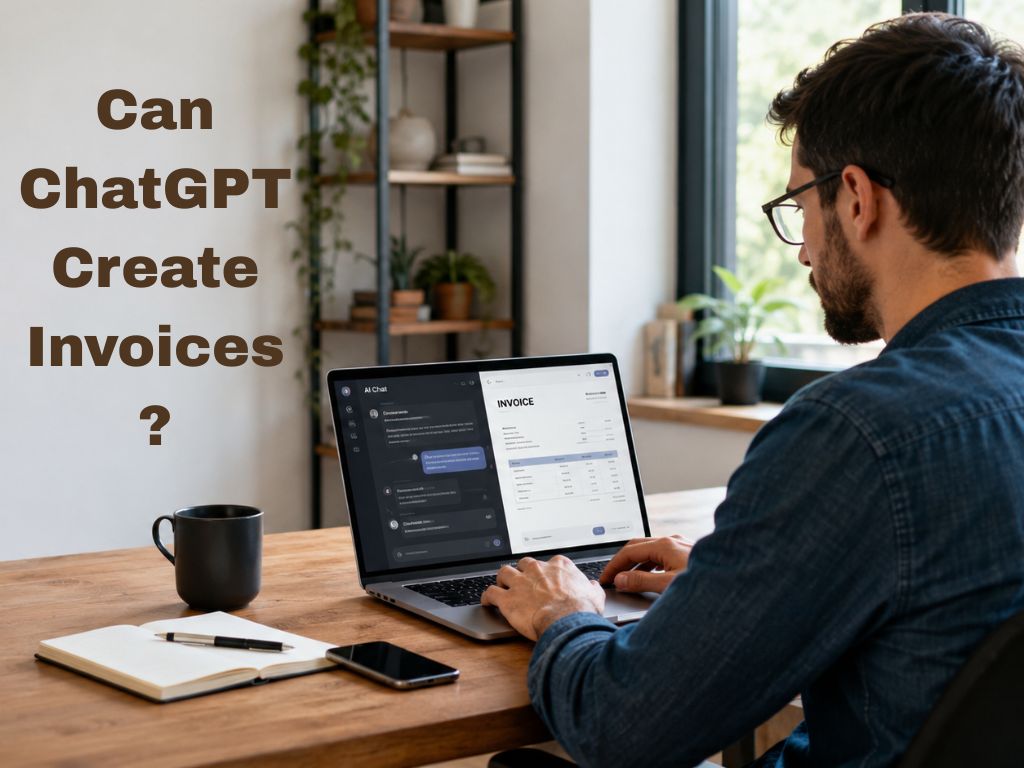
Can ChatGPT Create Invoices? Pros, Risks & Accuracy Explained
Can ChatGPT create invoices? Learn the benefits, risks, accuracy, and limitations of using AI for invoicing.
Why Your Invoicing Tool's Privacy Policy Is a GDPR Risk You Haven't Considered
Most freelancers choose an invoicing tool based on price or ease of use. Very few ask the more important question: where does my client data actually go? In 2026, with GDPR enforcement at record levels and data breaches increasingly targeting small businesses, the answer has real consequences.

What the 2026 Fiverr Data Breach Teaches Freelancers About Invoice Privacy
In April 2026, a data breach at Fiverr exposed sensitive freelancer records including invoices, tax returns, driving licences, and home addresses. The incident highlighted a risk most freelancers overlook: every invoicing tool that stores your data on a server is a potential breach waiting to happen
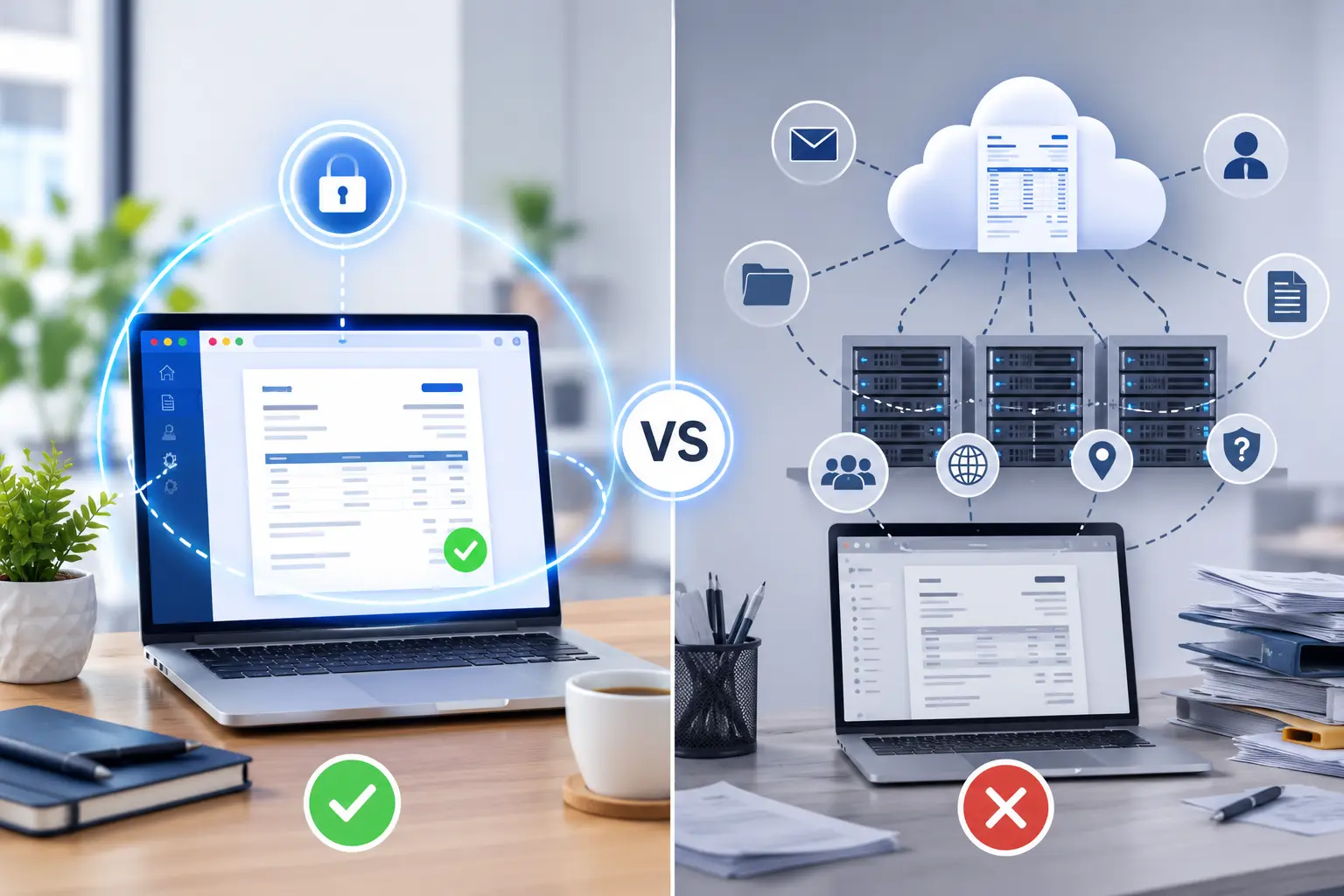
Your Invoice Tool Knows Your Clients' Secrets — Why Browser-Only Invoice Generators Are Different
Choosing the right browser-only invoice generator is more important than many people realize.
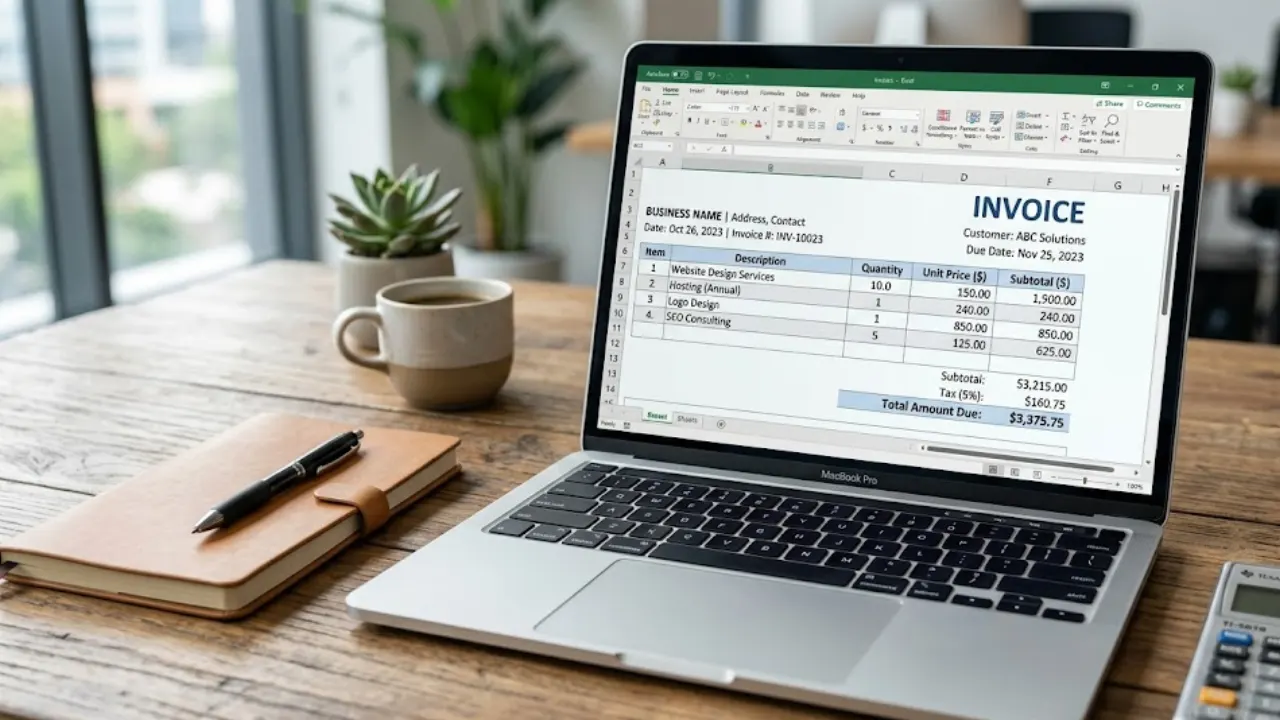
Free Invoice Template in Excel: Download & Create Professional Invoices Easily
A free invoice template in Excel helps you create clean and professional invoices without any design skills. You can easily edit details like client name, services, price, and total amount. It’s simple, fast, and perfect for freelancers and small businesses who want an organized billing process.
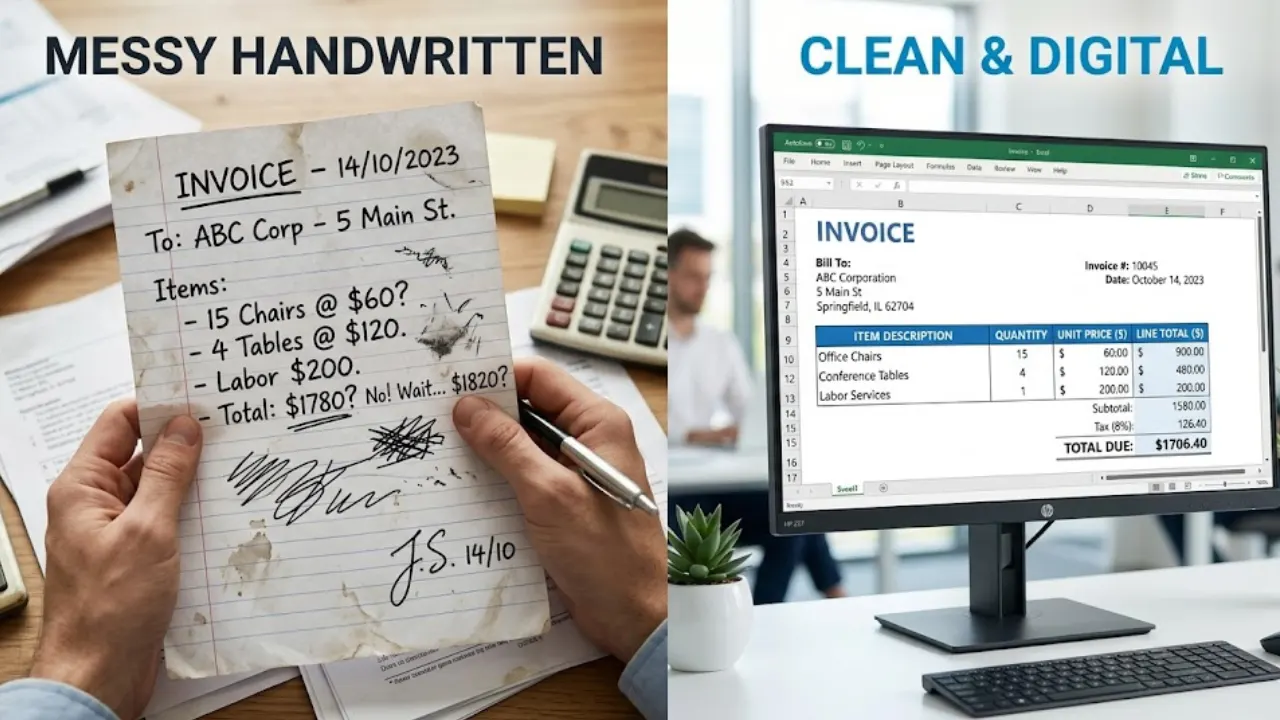
Creating Invoice in Excel Step by Step (With Formula + Free Template)
Creating invoices in Excel is one of the easiest ways to manage billing for freelancers and businesses. In this guide, you’ll learn step-by-step how to design a clean invoice and use formulas to automate calculations like totals, taxes, and discounts.