Invoice Template: Create Professional Invoices Easily (Free & Online)
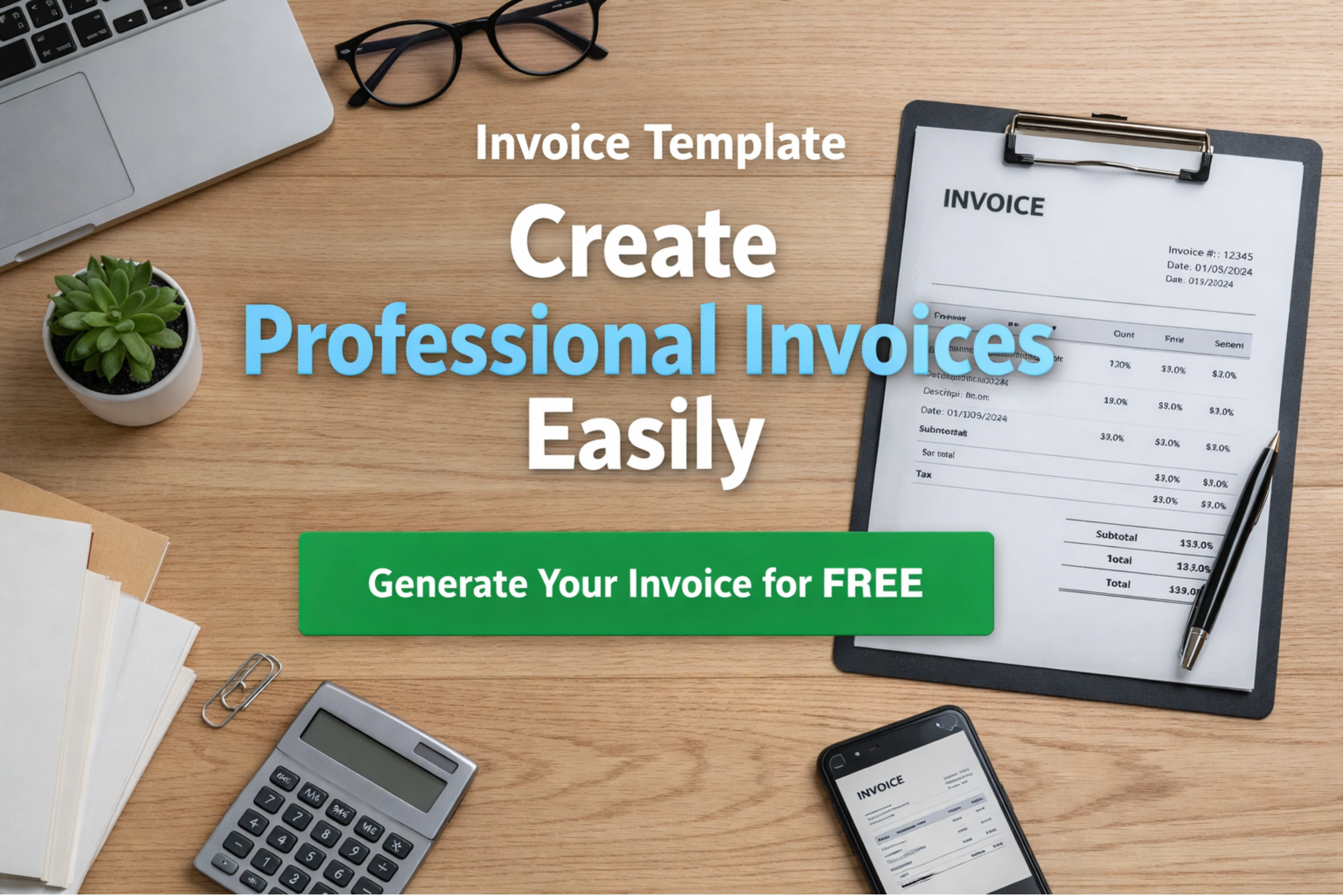
You're not alone if you've ever had difficulty using Word or Excel to create invoices. Instead of focusing on their real task, numerous freelancers and entrepreneurs spend a lot of time preparing documents. A simple invoice template might be quite helpful in this case.
You may produce neat, polished invoices without having to start from begin every time by using an invoice template. Whether you work as a designer, developer, counselor, or small business owner, utilizing a pre-made template helps you get paid more quickly, save time, and make less errors.
You don't even need to download anything in the modern digital environment. With only a few clicks, you can create and send invoices using an online invoice generator. Compared to manual approaches, it is quicker, simpler, and far more dependable.
An Invoice Template: What Is It?
A ready-made format with all the necessary fields for an invoice is called an invoice template. You only enter your information, your client's information, and the specifics of the service or product rather than making a new invoice each time.
For a deeper look, read our guide: Simple Invoice Format in Word.
Usually, a quality invoice template consists of:
✓ Name of business and contact information
✓ Details about the client Date and invoice number
✓ An explanation of the goods or services
✓ Tax, subtotal, and total amount
✓ Terms and methods of payment
Making use of a structured template ensures that nothing essential is overlooked. Additionally, it makes your invoice appear clear and official.
The Benefits of Using an Invoice Template
Many people still create bills by hand, which frequently results in time waste, missing information, and formatting problems.
All of these issues are solved with a professional invoice template.
For a deeper look, read our guide: Free Invoice Template in Excel.
Create free invoice easily
Skip complicated tools and messy formats. Use a clean invoice template and generate professional invoices instantly — no login required. Simple, fast, and completely free.
Saves Time:
Nothing needs to be repeatedly created or formatted. Your invoice is ready as soon as you complete the information.
It appears professional:
A well-organized layout makes a powerful impact. When your invoice appears well-organized, customers are more likely to trust you and pay on time.
Minimizes Mistakes:
To ensure that you avoid ignoring critical details like the invoice number, VAT, or due date, templates contain all required elements.
Facilitates Quicker Payment:
Clients will ask fewer inquiries when bills are clear. Faster approvals and payments result from this.
“The faster you create and send a professional invoice, the faster you get paid.”
Different Invoice Template Types:
Since no two businesses are alike, invoice templates are available in a variety of layouts based on your requirements.
1. Template for Freelance Invoices
Ideal for consultants, developers, designers, and writers. Project-based pricing or hourly charges are usually included.
2. Template for Business Invoices
Perfect for small companies that offer goods or services. includes a breakdown of prices, quantities, and tax information.
3.Template for Service Invoices
Ideal for service-oriented workers working on projects, such as marketers, agencies, and independent contractors.
4. Simple Invoice Format
Basic details and a clean, simple design. Excellent if you want a clean, contemporary style.
The objective is the same regardless of the type you select: professionalism and clarity.
Why Not Download Templates and Instead Use an Online Invoice Generator?
While downloading templates can be useful, online solutions are more effective.
No Issues with Formatting
Everything is pre-structured when you use an online invoice generator. Fonts, spacing, and layout don't need to be changed.
Quick PDF Download
In just a few seconds, you may build your invoice and download it as a polished PDF.
No Software Is Required
Installing Word, Excel, or any other program is not necessary. Your browser is where everything runs.
Prefer a ready-made file? Browse our free invoice templates in Word and Excel.
Quicker Procedure
Simply input your information, produce, download, and send. That's all.
How to Make an Invoice (Step-by-Step) Using an Invoice Template
You might be surprised to learn how simple it is to create an invoice. This is a simple procedure:
Step 1: Enter Your Business Information
Put your name, company name, contact information, and, if you have one, your logo.
Step 2: Include Client Data
Add the name, email address, and billing address of your client.
Step 3: Enter the details of the invoice
Add the due date, invoice number, and invoice date.
Step 4: Explain Your Work
Clearly state the amount, cost, and services or goods.
Step 5: Add the Total and Tax
Compute the amount after adding any applicable taxes or VAT.
Step 6: Include Terms of Payment
Talk about the client's payment schedule and method.
Step 7: Download and send
Get your invoice in PDF format and forward it to your customer.
All you need to do is use an invoice template to produce a professional invoice.
Avoid These Common Errors When Using Invoice Templates
Errors can still occur even when using a template. Steer clear of these:
✓ Omitting the date or invoice number
✓ Using inaccurate service descriptions
✓ Ignoring VAT or tax information
✓ Not including terms of payment
✓ Sending editable files rather than PDFs
Make sure your invoice is correct before mailing it.
“A clean invoice template doesn’t just help you get paid — it shows your client that you take your work seriously.”
Why PDF Is the Ideal Invoice Format?
Always send your invoice as a PDF once it's ready.
Professional Appearance
PDF invoices have a polished, formal appearance.
No problems with editing
Important details cannot be accidentally altered by clients.
Functions Anywhere
All devices can open PDF files without any formatting problems.
Your invoice will appear much more professional after taking this minor step.
Make a Free Online
Invoice Template Using an easy web-based tool, you may quickly create invoices rather than wasting time on complex tools or unorganized files.
InvoiceDesire allows you to:
✓ Make invoices with neat templates.
✓ Add every information in a matter of seconds.
✓ Organize your invoice automatically
✓ Get a professional PDF right away.
✓ Use it without logging in for free.
It is meant for freelancers, small companies, and anybody else looking for a quick and simple solution to generate invoices.
Concluding Thoughts
An effective invoice template is more than simply a document; it's a tool that improves business management. Time is saved, errors are decreased, and you appear professional to your clients.
Use an online invoice generator instead of manual techniques to simplify your invoicing process. It's lot more dependable, quicker, and simpler.
You'll see the difference sooner if you use a suitable invoice template, especially in terms of timely payment.
Found this helpful?
Share it with a fellow freelancer or business owner.
Keep reading
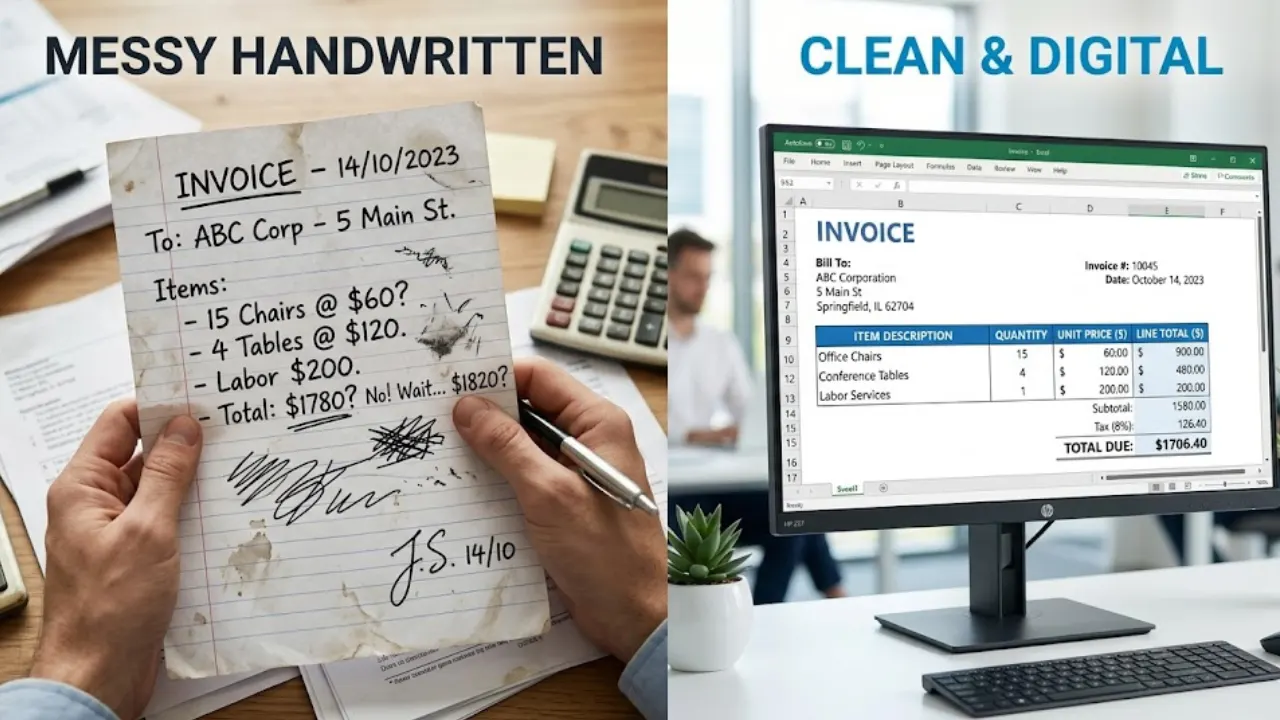
Creating Invoice in Excel Step by Step (With Formula + Free Template)
Creating invoices in Excel is one of the easiest ways to manage billing for freelancers and businesses. In this guide, you’ll learn step-by-step how to design a clean invoice and use formulas to automate calculations like totals, taxes, and discounts.
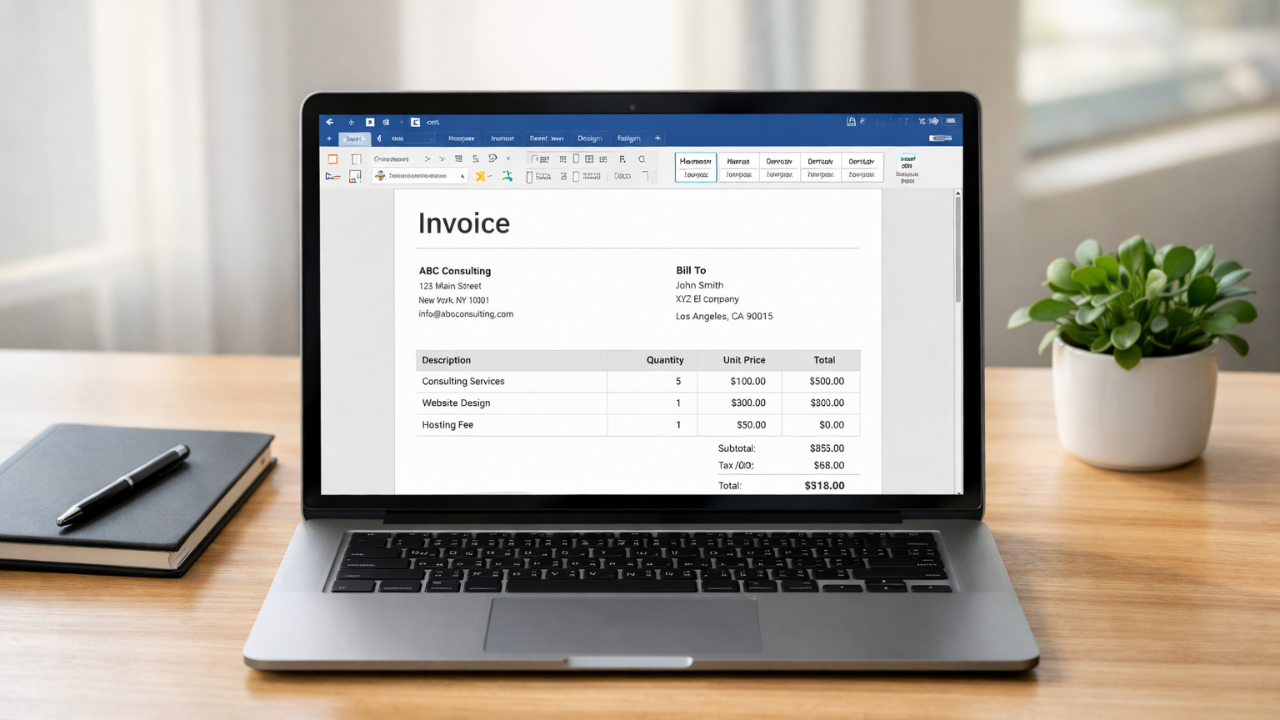
Simple Invoice Format in Word (Free Template for Small Businesses)
Learn how to create a simple invoice format in Word with easy examples, essential invoice elements, and step-by-step guidance.
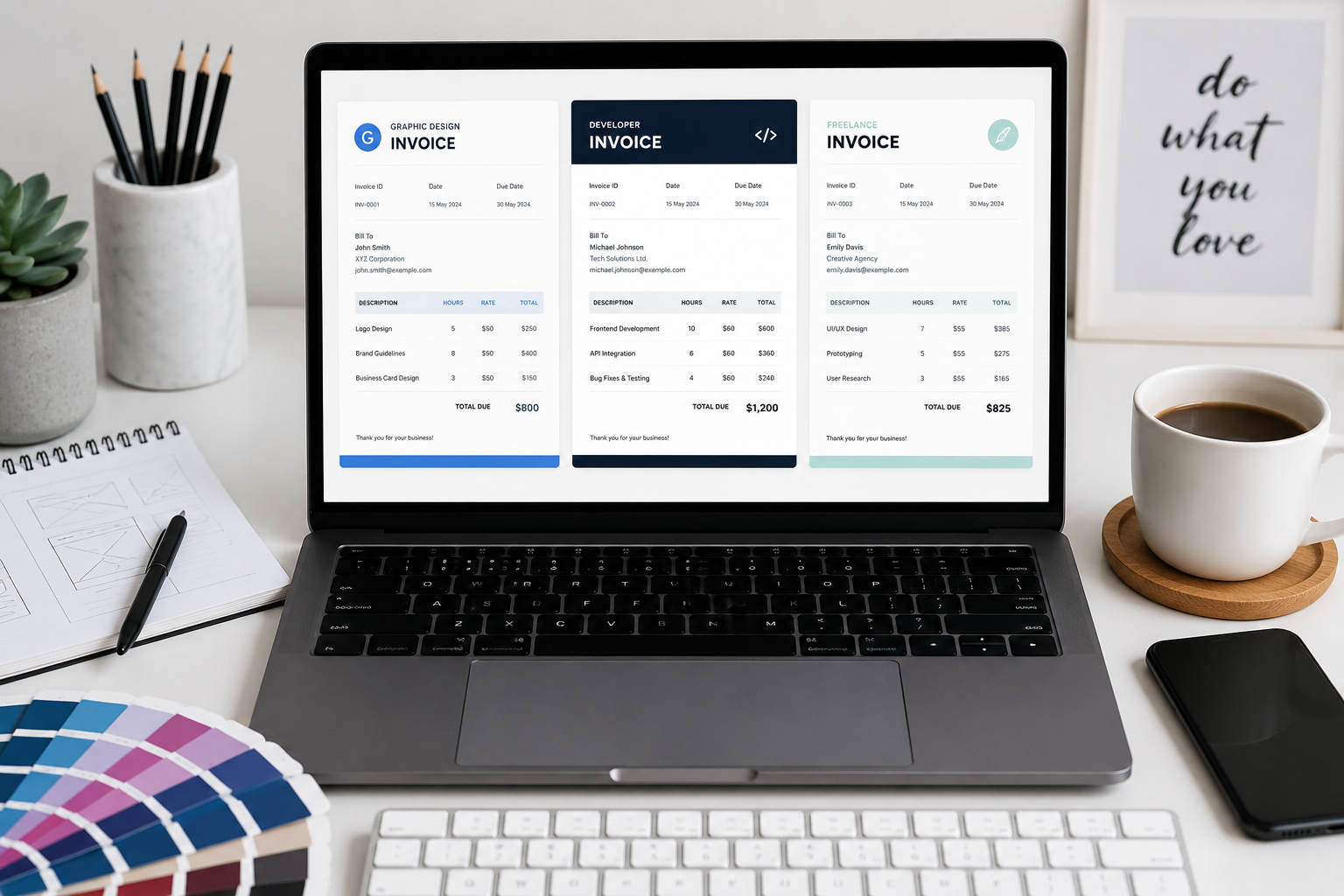
Top 5 Clean Invoice Templates for Graphic Designers & Developers
Your invoice is the final deliverable of your creative process. Discover our six professional templates designed specifically for technical and creative professionals.
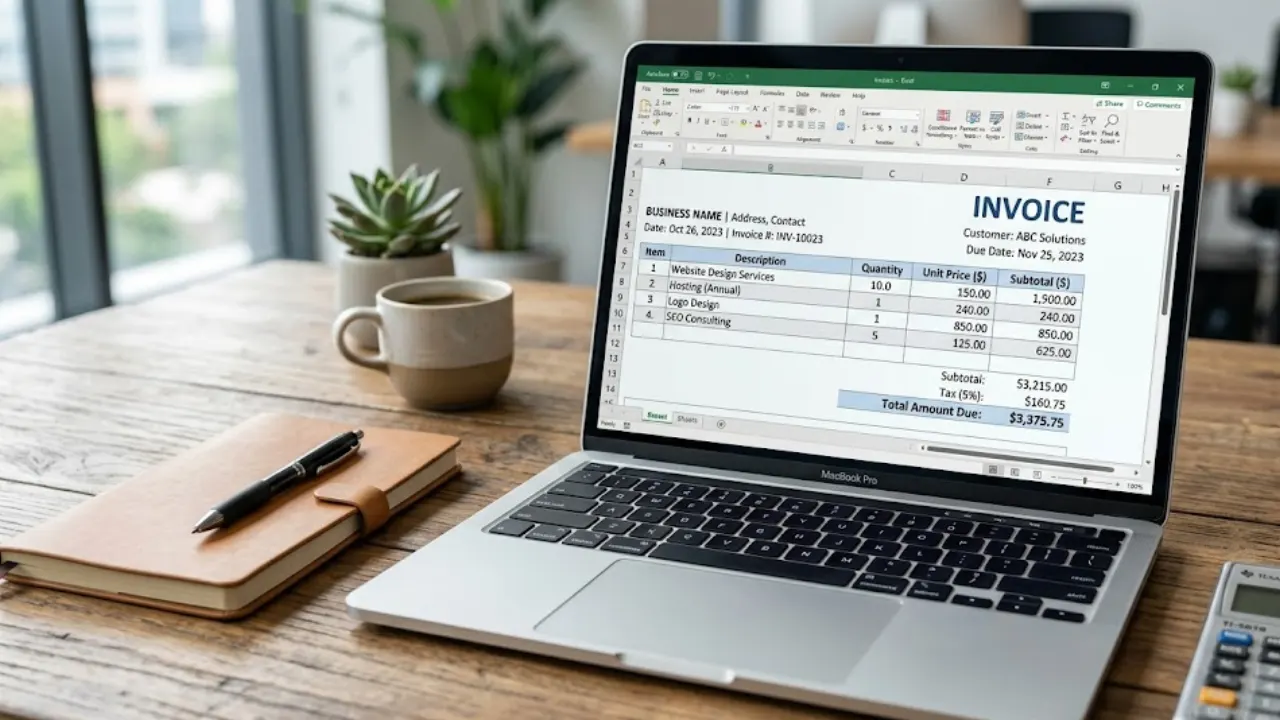
Free Invoice Template in Excel: Download & Create Professional Invoices Easily
A free invoice template in Excel helps you create clean and professional invoices without any design skills. You can easily edit details like client name, services, price, and total amount. It’s simple, fast, and perfect for freelancers and small businesses who want an organized billing process.
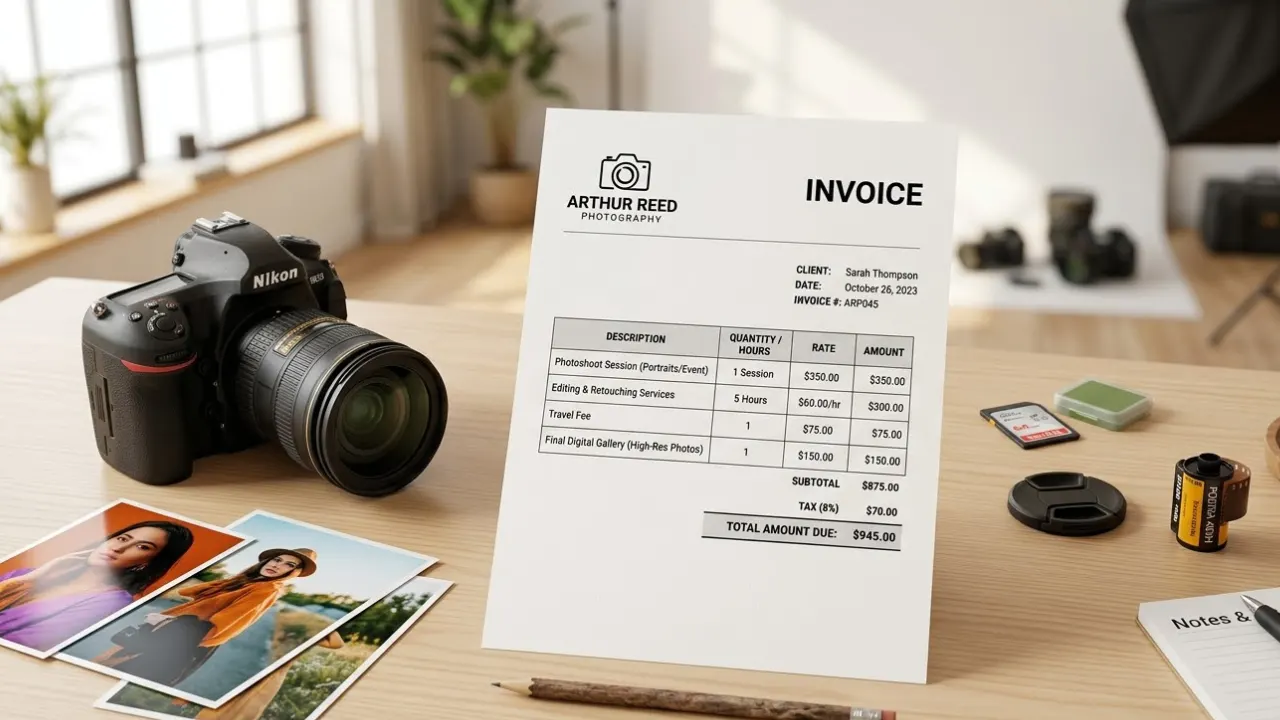
Invoice for Photography Services: How Photographers Can Bill Clients Professionally
Creating a clear invoice for photography services helps photographer’s bill clients professionally and avoid payment confusion. In this guide, you’ll learn what to include in a photography invoice and how to make the payment process simple and organized.
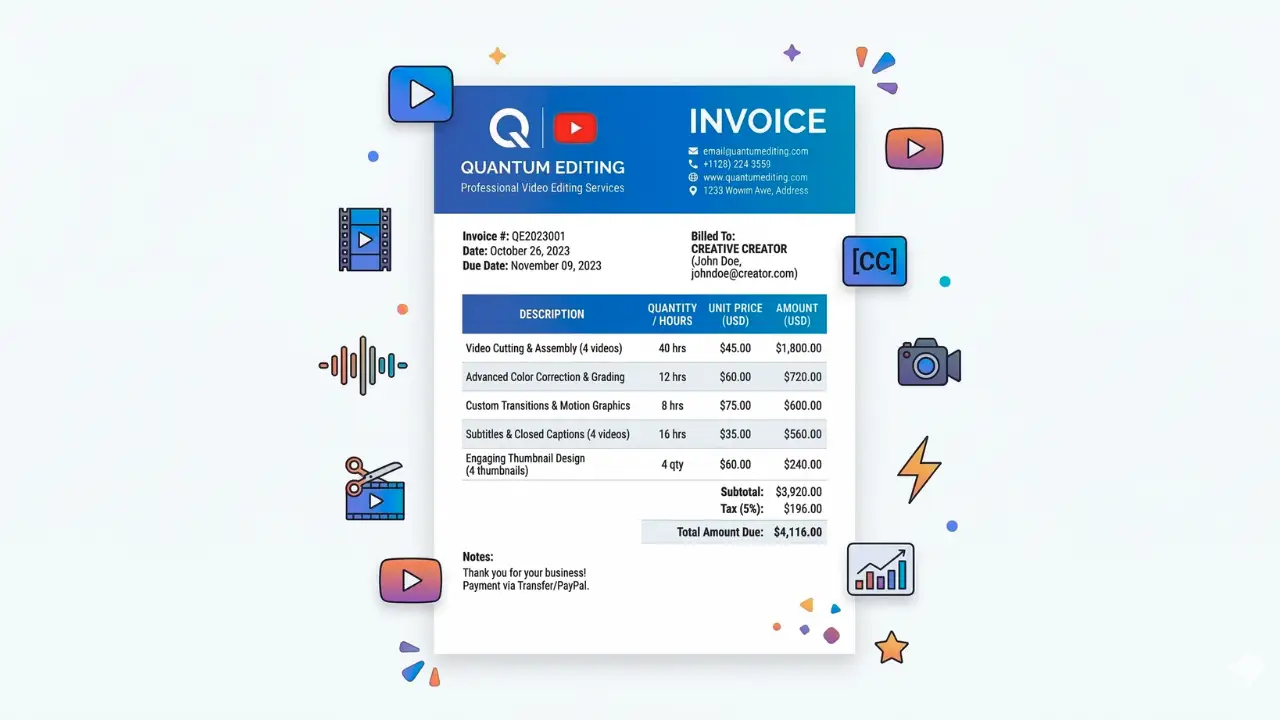
How to Make an Invoice for YouTube Video Editing (Step-by-Step Guide)
If you work as a YouTube video editor, sending a professional invoice is important for getting paid on time. This guide explains how to make an invoice for YouTube video editing services and the key details every invoice should include.