Simple Invoice Format in Word (Free Template for Small Businesses)
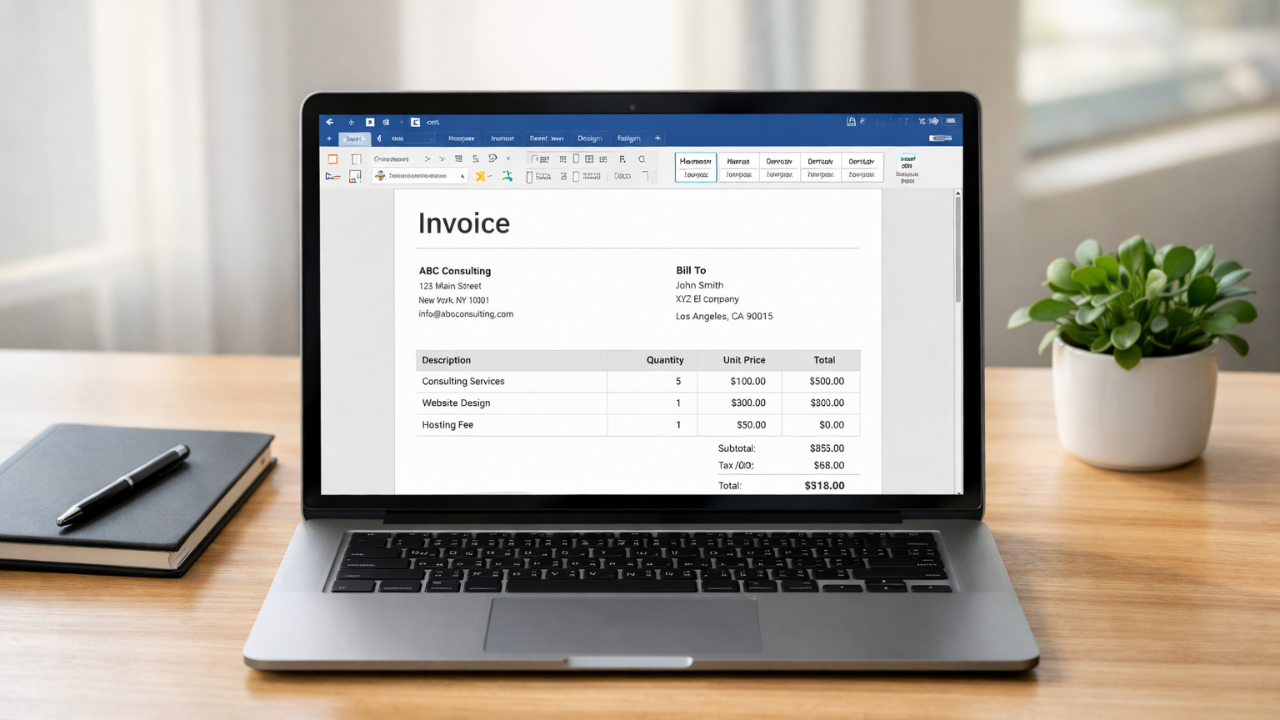
Simple tools are used by many firms for handling daily billing tasks. For fast adjustments or backup documents, even businesses that uses invoice generators sometimes rely on well-known software. Microsoft Word is a popular option because most teams are already familiar with it.
Businesses can prepare and deliver invoices without complex processes by using a simple invoice format in Word. In a clear file, you can easily enter client information, list services, and compute totals. All of this, Word is a great choice for service providers, freelancers, and small businesses.
The availability of ready-made templates is a further reason in Word's continued popularity. These templates offer a methodical arrangement that saves time and has a polished appearance. Businesses can easily customize them with their logo, payment terms, and service details before sending the invoice to clients.
Download Word Invoice Format
Don't waste time making invoices by hand. Use a simple invoice format in word to swiftly create neat, expert invoices.
What Is a Basic Word Invoice Format?
A basic billing document made with Microsoft Word is known as a simple invoice format in Word. It is used by businesses to ask for payment for goods or services provided. Both the company and the client is able to understand the cost because to the format's commitment to clarity.
Word templates are still kept on hand as a backup by many companies that use invoice generators. Editing, sharing, and customizing Word files is simple. When necessary, you may rapidly update client information, add your company's logo, and change the terms of payment.
A Word invoice has a simple structure. A table listing goods and services together with their prices, an invoice number, a billing date, and customer details are typically included. The total sum paid and instructions for payment are shown at the bottom of the statement. Businesses are able to keep professional and well-organized billing thanks to this clear structure.
Invoices should contain key elements and important details
Businesses can minimize client misunderstanding and receive payment more quickly with a solid invoice. Every invoice should contain a few key data, no matter whether you use software or a basic Word invoice format.
1. Business Information
Your company name, address, phone number, and email should come first. The client can use this information to find out who uploaded the invoice and how to get in contact with you if they have any issues.
2. The invoice number
Assign an original invoice number at all times. It allows easier management of accounts, record organization, and payment tracking. This figure becomes crucial when invoices rise.
3. Client Information
Add the client's name, contact details, address, and business name. Accurate client information means that the right user gets the invoice and minimizes invoicing problems.
4. Description of the Good or Service
Make a detailed list of the goods and services you provided. Add the unit cost, quantity, and brief description. Customers' trust is increased by the transparency, which also reduces conflicts.
5. Cost and Total Amount
Display the final amount, the subtotal, and any relevant tax. Double-check these figures before issuing the invoice, as many companies that use Microsoft Word do so by hand.
6. Terms of Payment
Include the due date for the payment as well as the allowed payment options, such as digital wallet, bank transfer, and card payment. Clients will improve able to understand when and how to make payments when payment terms are clear. Whether you use an automated billing solution or design your invoice in Word, adding those elements maintains it clear and professional.
Example Layout for the Simple Invoice Format in Word
Any invoice that has a clear layout is simple to read and comprehend. Businesses typically adhere to a basic framework that keeps billing facts organized when creating a basic invoice style in Word. This arrangement is ideal for teams who occasionally use both invoice generators and manual invoicing, as well as small enterprises.
A header section should come first. Include the term "Invoice" at the top and, if possible, include your business logo. Write the business's address, phone number, full name, and email under the header.
Add client information after that. The client's name, company address, and contact information must all be included in this area. Write the bill of sale number, invoice date, and fees due date right next to it.
Next, make an item table. A table displaying services or goods is simple to add in Microsoft Word. Add columns for quantity, cost, totals, and description.
Add the final total amount and, if required, a tax section under the table. Invoices is kept neat, polished, and simple for clients to review thanks to this simple structure.
How to Make an Invoice in Word: A Comprehensive Guide
For businesses that sometimes generate invoices outside of their invoice software, creating a basic invoice structure in Word is simple and efficient. The procedure only takes a few minutes because the majority of teams already use Microsoft Word.
First, launch Microsoft Word.
Open a new document first. You can look for an invoice template in Word or select a blank page.
Step 2: Include a header for the invoice
At the top of the page, write "Invoice." To make the paper appear professional, including your firm name, logo, and contact information.
Step 3: Give Client Data
Add the client's name, address, and phone number beneath your company's details. This makes it easier for the customer to identify the invoice right away.
Step 4: Add an Item Table
List goods or services using the table feature. Add fields for the unit price, quantity, total, and description.
Step 5: Add the Conditions of Payment and Totals
Compute the final amount due, taxes, & total. The due date and payment instructions should then be included.
While Word is useful for creating rapid bills, many companies find that employing automated tools, such as InvoiceDesire's online invoice generator, which performs calculations instantaneously, saves time.
Free Basic Word Invoice Template (Download Idea)
Invoicing is quicker and simpler when an existing template is used. Businesses can start with a basic Word invoice format and personalize it in minutes rather than starting from blank. The primary elements, such as item tables, totals, client information, and business details, are already included in templates.
For a deeper look, read our guide: Free Invoice Template in Excel.
Word templates could be used as a fast backup for companies that usually use invoice generators. You may right away send the invoice after opening the template in Microsoft Word, changing the client details and detailing your services. This method ensures regularity in your bills while time is saved.
For a deeper look, read our guide: Creating Invoice in Excel Step by Step.
Additionally, templates help in keeping an elegant look. Clients are able to understand the invoice thanks to most designs' clean layouts, proper spacing, and well-organized tables.
Free templates are available on respected small business reference sites or in Microsoft's official template collection. The invoice is ready to be sent once you've downloaded it, edited the details, and included your logo.
Want a ready-made file? Download our simple Word invoice template.
Comparison between Online Invoice Generators vs Word Invoice
Due to Word's comfort and ease of use, numerous companies begin with a basic invoice format. You may start Microsoft Word, modify the template, add client information, and submit the bill. This technique is effective for occasional billing.
Word invoices, however, necessitate manual labor. Every detail must be entered, totals must be calculated, and taxes must be verified by you. This procedure may take longer and be more prone to minor errors as the volume of invoices increases.
Many of these issues are resolved by online invoice generators. Invoices are arranged in one location, totals are automatically calculated, and taxes are applied. For companies who send bills on a regular basis, this results in faster and more accurate billing.
Frequently Made Mistakes in Word Invoices
Word's basic invoice format is widely used by businesses due to its simplicity of creation and editing. However, human invoice preparation still has a risk for simple mistakes. These mistakes could mislead customers or cause payment delays.
Missing invoice numbers is a typical error. Payment monitoring and record organization become challenging in the absence of a unique number. Each invoice ought to have a unique number.
Inaccurate calculations are another problem. Taxes and totals are typically computed by hand when firms use Microsoft Word. A minor mathematical miscalculation can alter the total and lead to billing issues.
Another common issue is poor formatting. Clients may find it difficult to understand the charges if the layout looks full or confused. Clear tables and an organized framework are always more effective.
Additionally, some bills skip due dates or payment terms. If this information is missing, clients might not be aware of when the payment is due. Including exact instructions makes easier for businesses to get paid on time.
When Is Invoice Software a Better Option?
For tiny companies that simply produce a few bills each month, the simple Word invoice style works well. The majority of teams already know how to use Microsoft Word, and editing it is simple. However, manual invoicing can take a lot of time as a business expands.
Invoice software can save a lot of work if you handle a large number of clients or issue invoices frequently. Online tools lower the possibility of human error, apply taxes, and compute totals automatically. Businesses may keep proper billing without having to spend additional time verifying figures thanks to this.
Improved record management is an additional benefit. You can easily keep track of both paid and unpaid bills in a single dashboard rather than trawling through folders. Additionally, a lot of platforms create basic reports and keep invoice history.
Using an online invoice generator might be a useful step forward for expanding companies who seek quicker billing and well-organized records. It automates tedious tasks while maintaining simplicity in billing.
In conclusion
For many small businesses, a basic Word invoice format is a useful place to start. It works well for fast billing activities and is easy to design and change. The majority of teams can create invoices without learning new software because they currently use Microsoft Word.
However, hard work may slow things down when invoicing increases in frequency. Online tools speed up processes and lower error rates. Businesses may fast create excellent invoices while maintaining structured records with the aid of platforms such as Zoho, InvoiceDesire, Canva.
Found this helpful?
Share it with a fellow freelancer or business owner.
Keep reading

Invoice Template: Create Professional Invoices Easily (Free & Online)
A good invoice template makes billing simple, clear, and professional. Whether you're a freelancer or small business owner, using the right invoice template helps you save time and get paid faster. In this guide, you’ll learn how to use invoice templates and create invoices online easily.
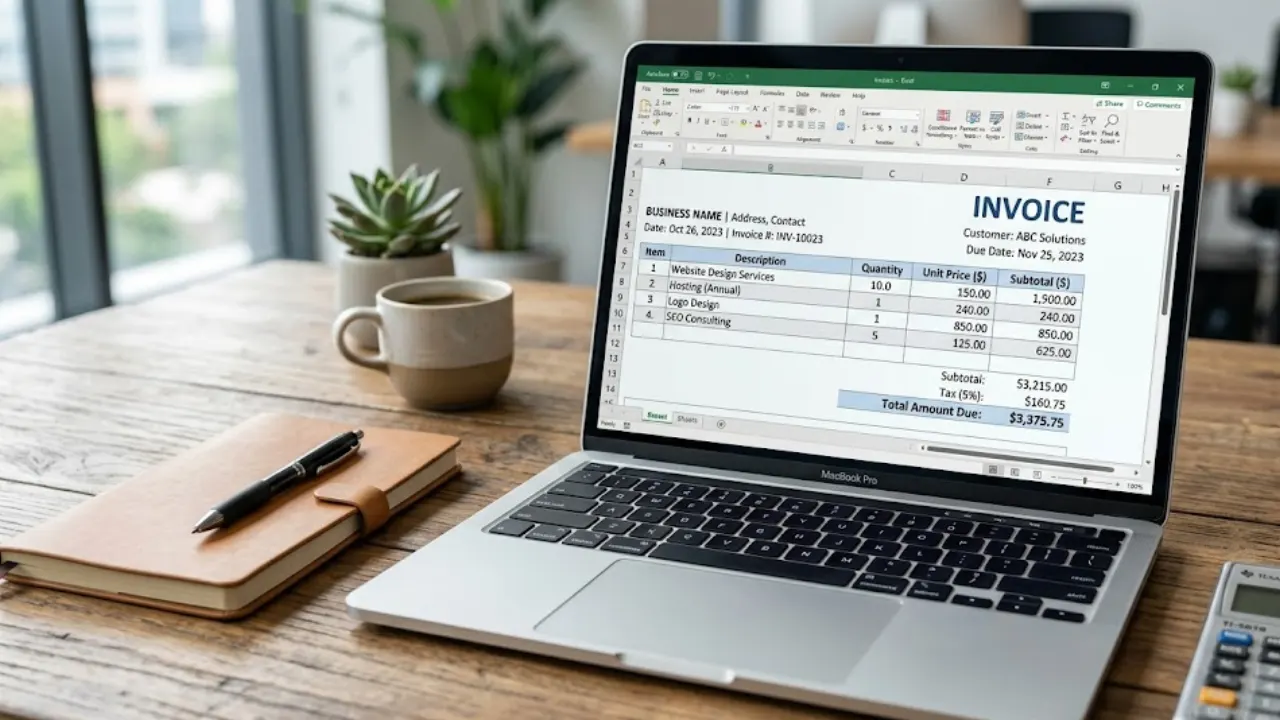
Free Invoice Template in Excel: Download & Create Professional Invoices Easily
A free invoice template in Excel helps you create clean and professional invoices without any design skills. You can easily edit details like client name, services, price, and total amount. It’s simple, fast, and perfect for freelancers and small businesses who want an organized billing process.
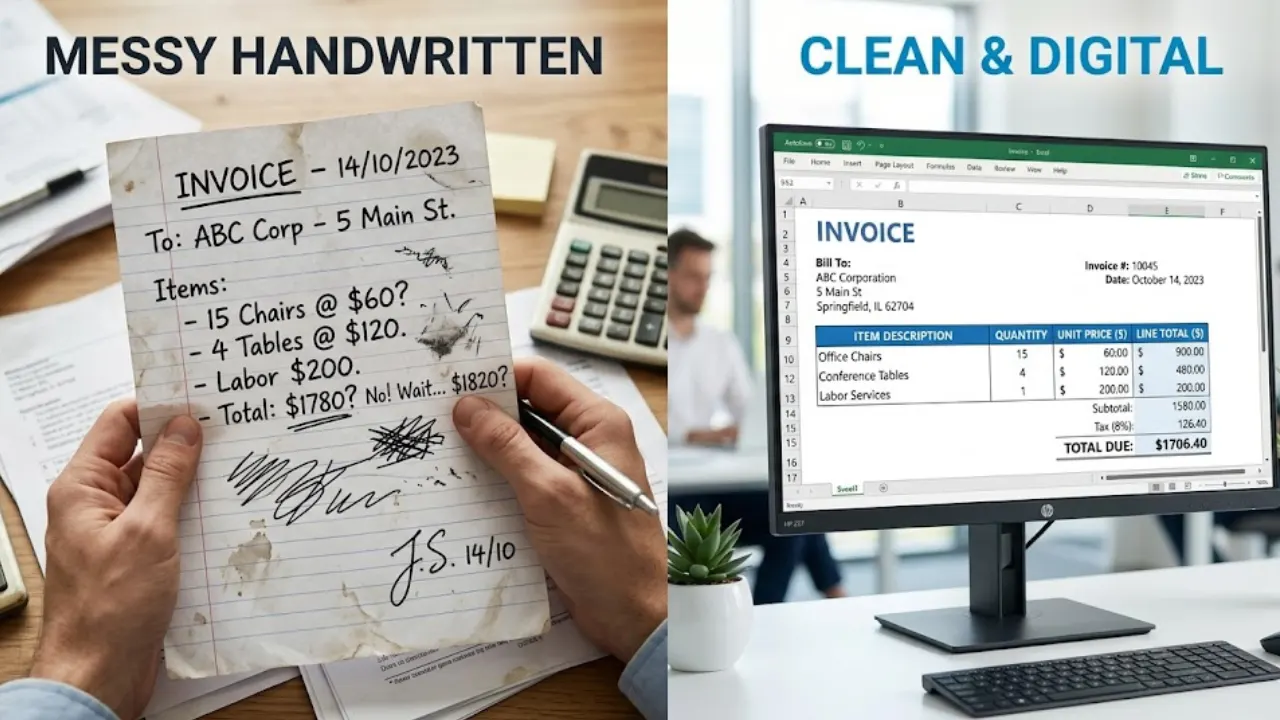
Creating Invoice in Excel Step by Step (With Formula + Free Template)
Creating invoices in Excel is one of the easiest ways to manage billing for freelancers and businesses. In this guide, you’ll learn step-by-step how to design a clean invoice and use formulas to automate calculations like totals, taxes, and discounts.
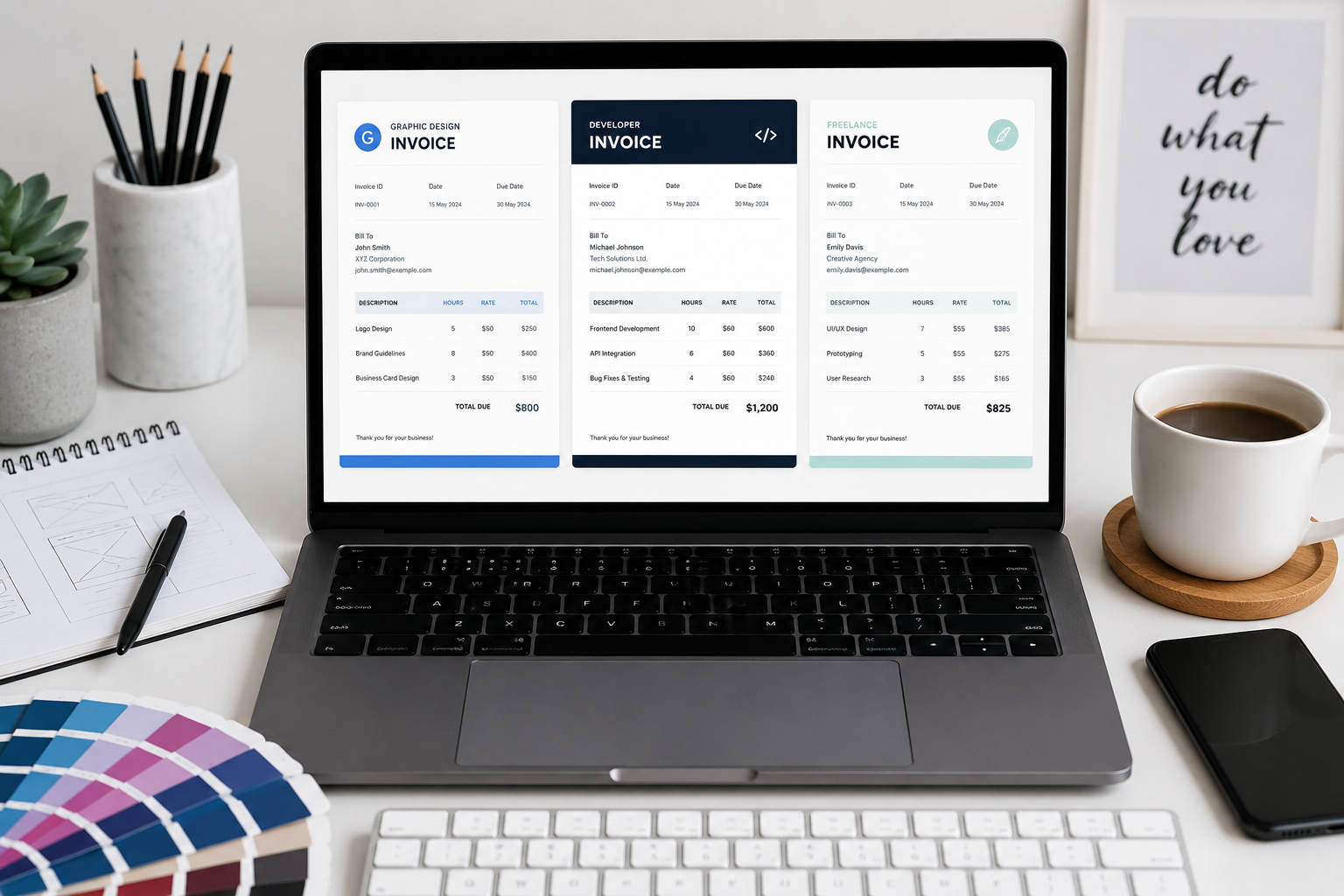
Top 5 Clean Invoice Templates for Graphic Designers & Developers
Your invoice is the final deliverable of your creative process. Discover our six professional templates designed specifically for technical and creative professionals.
How to Create Professional Quotations Online with a Free Quotation Maker
Create professional quotations online easily with a free quotation maker. Learn how to make business quotations, download PDFs, and send quotes to clients professionally.
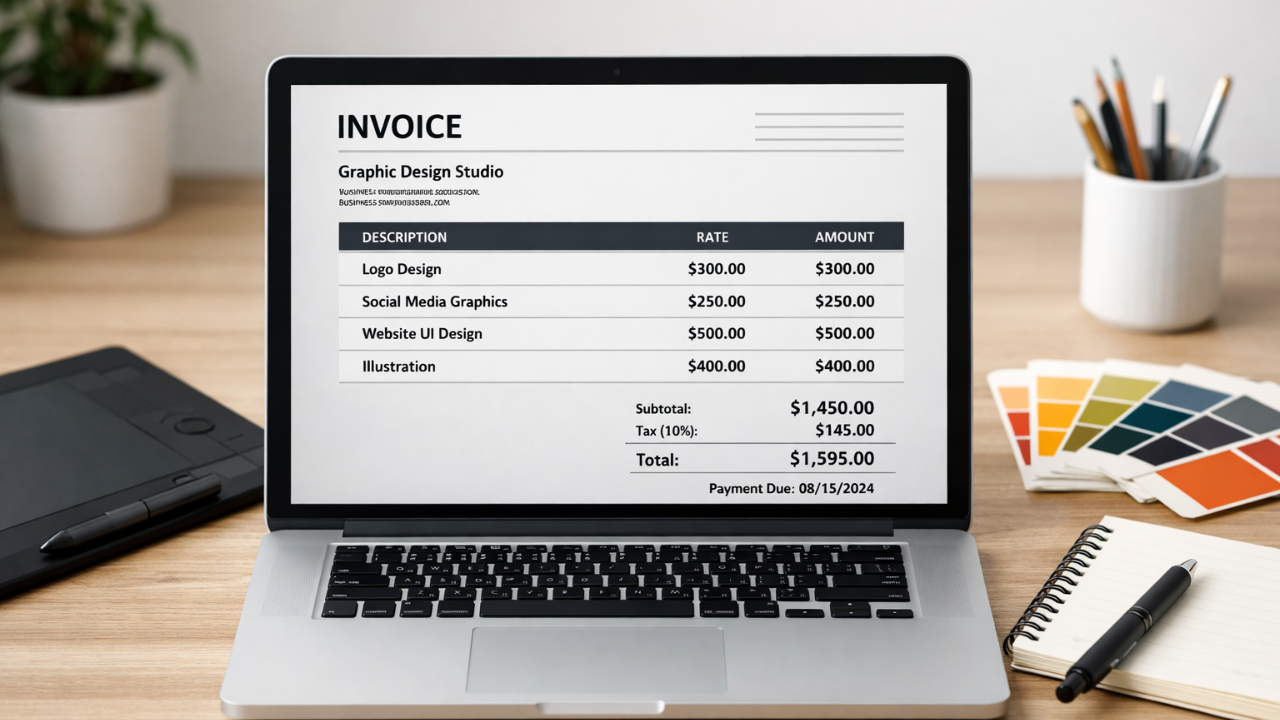
How to Make an Invoice for Graphic Design Projects (Beginner’s Guide)
Learn how to make an invoice for graphic design projects with this beginner’s guide. Discover key elements, examples, and tips to create professional invoices easily.