How to Make an Invoice for Graphic Design Projects (Beginner’s Guide)
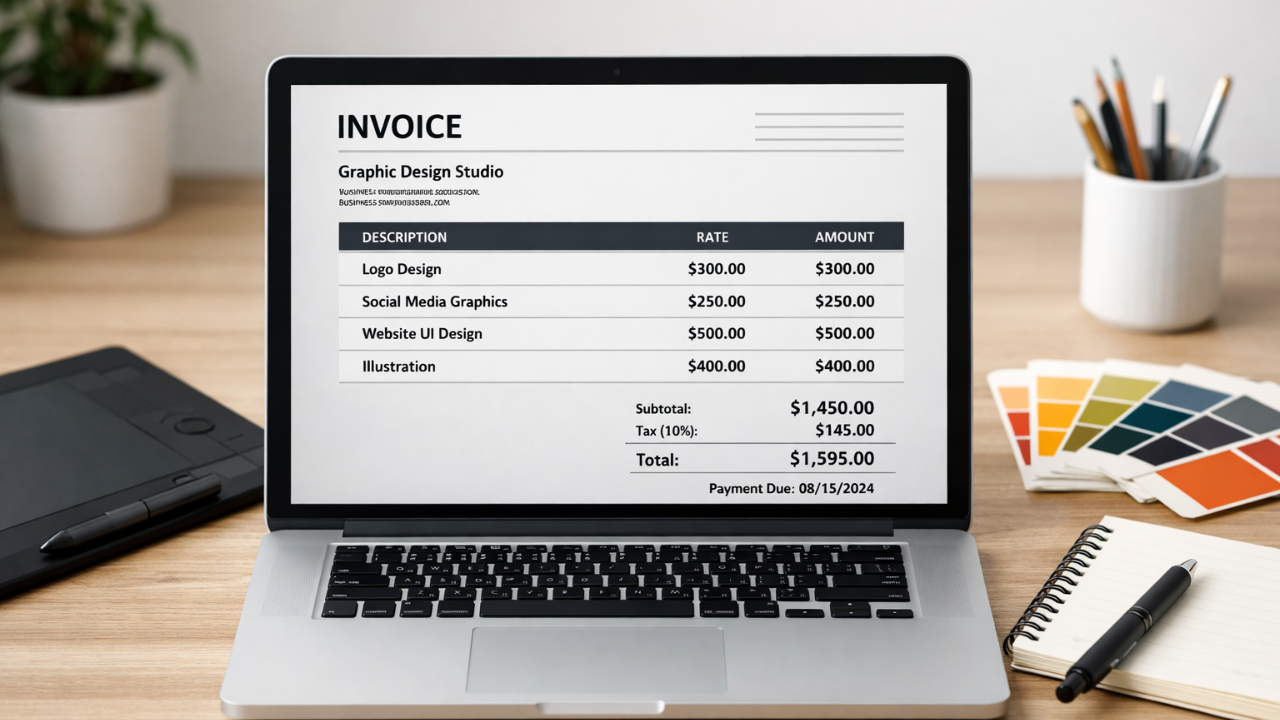
Many beginner designers finish a project and then face an unexpected problem—how to make an invoice for graphic design client professionally. You may have done great design work, but creating the invoice can feel confusing. What details should you include? How do you list design services clearly? And what if the invoice looks unprofessional and delays your payment?
Freelancers and design firms are frequently irritated by this tiny step. Misunderstandings, late payments, or even a decline in client confidence might result from a badly formatted invoice.
Invoicing doesn't have to be difficult, which is good news. This article will walk you through the process of creating an invoice for graphic design tasks. We'll go over what to include, how to format your invoice, and easy methods for producing expert bills that fast payment.
What is Graphic Design Invoice?
A graphic design invoice is a simple form that designers present to clients in order to get paid for the work they have finished. It serves as an official record of the services rendered and makes it transparent to the client exactly what they must pay and when.
Consider it the last phase of any design endeavour. The invoice supports in the expert wrapping up of the project following the logo, social media graphics, website design, or other creative work has been submitted. After simply requesting money by email or chat, you offer a well-organized printed document that describes everything.
Important facts including the designer's business details, the client's details, the invoice number, the project name, a list of services rendered, price, and the total amount due are all included in a typical graphic design invoice. Additionally, some designers include preferred payment methods, due dates, and terms of payment.
Additionally, using an appropriate invoice fosters client trust. It shows that you approach your design job as an honest company.
These days, a lot of independent contractors and small companies choose using an invoice maker to swiftly create bills. Designers may spend more time on creative work and less time on paperwork thanks to these tools, which automatically format the invoice, compute totals, and maintain organization.
Why Invoices Are Important for Graphic Designers?
A successful design business depends heavily on invoices. They assist designers in keeping accurate financial records for each project and monitoring payments. An invoice provides you with an accurate record of what the client owes and when it should be paid, as opposed to depending on memory or disorganized messages.
Transparency is also produced by invoices. The services rendered, the project cost, and the total money owed are all clearly displayed. Confusion between the client and the designer is lessened as a result.
A professional invoice raises the likelihood of timely payment and fosters trust. To correctly bill clients, many designers use manuals such as How to Make an Invoice for Graphic Design Projects (Beginner's Guide).
Important Components of Any Graphic Design Invoice
The first and most important step in learning How to Make an Invoice for Graphic Design Projects (Beginner's Guide) is figuring out what data an invoice should contain. In addition for looking professional, a well-organized and transparent invoice makes it easier for customers to know exactly what they are paying for. Let's review the essential components that any graphic design invoice has to contain.
1. Designer or business details
You should put your personal or business information at the top of the invoice. This often consists of your name or studio name, phone number, email address, and occasionally your business address. Clients can quickly determine who sent the invoice and how to get in touch with you if they have any questions thanks to these facts.
2. Client’s information
Next, provide the client's information. This could involve the client's name, company name, and contact information. Such as client information ensures that the payment request is properly allocated to the right work and customer while also keeping your records structured.
3. Details of the Invoice
Important characteristics including an invoice number, invoice date, and payment due date should be on every invoice. The due date makes it obvious to the client when the payment is due, and the invoice number aids in payment tracking.
Create Your Graphic Design Invoice in Seconds
Stop wasting time formatting invoices manually. Use InvoiceDesire to create clean, professional invoices for your graphic design projects in just a few clicks.
4. Service
The design services you rendered are listed in this section. For example, advertising work, website ads, social media graphics, and logo creation. To help the client understand how the total sum was identified it is beneficial to give a brief description of each service and display the cost of each item.
5. Summary of Payment
Lastly, provide a brief overview of the payment. The subtotal, taxes (if any), and the total amount due are displayed in this section. Additionally, you can list approved payment methods such online payment platforms, UPI, and bank transfers.
When all these components are present, your invoice appears easy, professional, and simple for customers to understand.
Common Graphic Design Services You Can Include in an Invoice
It's crucial to accurately state the services you rendered when studying How to Make an Invoice for Graphic Design. A thorough service section explains exactly what clients are paying for and aids in their understanding of the value of your job.
Logo design and branding projects are among the most frequent services that designer’s bill for. Typography design, brand colour choices, logo creation, and complete brand identity packages can all fall under this category.
Prefer a ready-made file? Browse our free invoice templates in Word and Excel.
Additionally, a lot of designers create social media and marketing graphics. These may be advertising visuals made for marketing campaigns, Social banners, postings on Instagram, or marketing advertisements.
UI elements or website design are another popular service. Landing page designs, website layouts, mobile app interfaces, and other UI elements are frequently charged for by designers.
Print design is used in some tasks, like business cards, flyers, posters, and brochures. Businesses can use these designs for marketing their services offline and at events.
Lastly, when a project calls for unique visual components made specifically for a brand, designers may bill for drawings or original art.
You may avoid misunderstanding by clearly listing these services in your invoice. Additionally, it increases the transparency and quality of your invoice for customers.
Step-by-Step Guide: How to Make an Invoice for Graphic Design
If you’re new to freelancing, learning How to Make an Invoice for Graphic Design Projects (Beginner’s Guide) can make your workflow much smoother. A clear invoice helps you get paid faster and keeps your business organized. Here’s a simple step-by-step way to create one.
Step 1: Add Your Business Details
Start by adding your name or design studio name, email, phone number, and business address at the top of the invoice. This shows the client who the invoice is from.
Step 2: Include Client Information
Next, write the client’s name, company name, and contact details. This ensures the invoice is clearly linked to the right project.
Step 3: Make an invoice
Add the date of the invoice, an individual identity invoice number, and the due date for payment. You can keep track of payment and notify customers when they are due with the help of these facts.
Step 4: List Graphic Services
Give a brief overview of the work you finished. This could involve, for illustration, branding, visual postings, and web design for graphical user interfaces. Indicate how much each service will cost.
Step 5: Display The Total Amount
Lastly, figure out the subtotal, the total amount due, and any applicable taxes. Additionally, you can offer choices for payment methods, such as money transfers or online payments.
Your bills will remain clear, professional, and simple for your clients if you adhere to these guidelines.
Why Invoice Generators Are Used by Many Designers?
Manual billing is time-consuming for many freelancers, particularly when projects get larger. Because of this, designers who read How to Make an Invoice for Graphic Design Projects (Beginner's Guide) frequently use an invoice generator. The entire process is made simpler by these instruments.
An invoice generator produces a neat, polished invoice in a matter of seconds, eliminating the need to manually format papers. Additionally, it computes totals automatically, which lowers the possibility of errors. Without having to worry about layout or formatting, designers may easily add services, prices, and terms of payment.
Above all, it saves time. While the technology effectively manages the billing process, designers might focus more on their creative work.
Conclusion
For any designer who works with customers, understanding How to Make an Invoice for Graphic Design is an essential starting point. Explaining your services, avoiding miscommunications, and receiving payment on schedule are all made easier with a clear and attractive invoice. Your billing process will run much more smoothly if you include the appropriate details, such as client information, service breakdown, and payment summary.
Although invoices can be made by hand, many designers would rather use quicker methods. You can use the easy-to-use invoice generator at invoicedesire to quickly and effectively generate professional invoices. With just a few clicks, it supports artists in producing neat, polished bills.
Found this helpful?
Share it with a fellow freelancer or business owner.
Keep reading
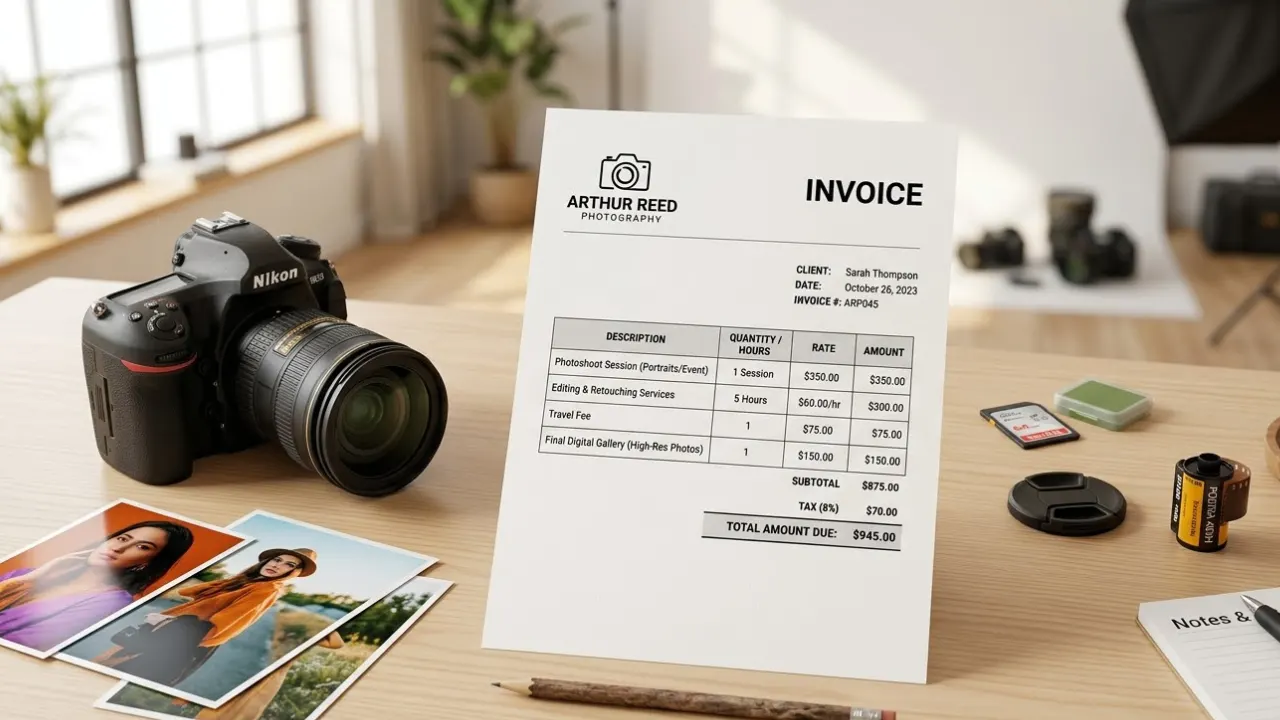
Invoice for Photography Services: How Photographers Can Bill Clients Professionally
Creating a clear invoice for photography services helps photographer’s bill clients professionally and avoid payment confusion. In this guide, you’ll learn what to include in a photography invoice and how to make the payment process simple and organized.
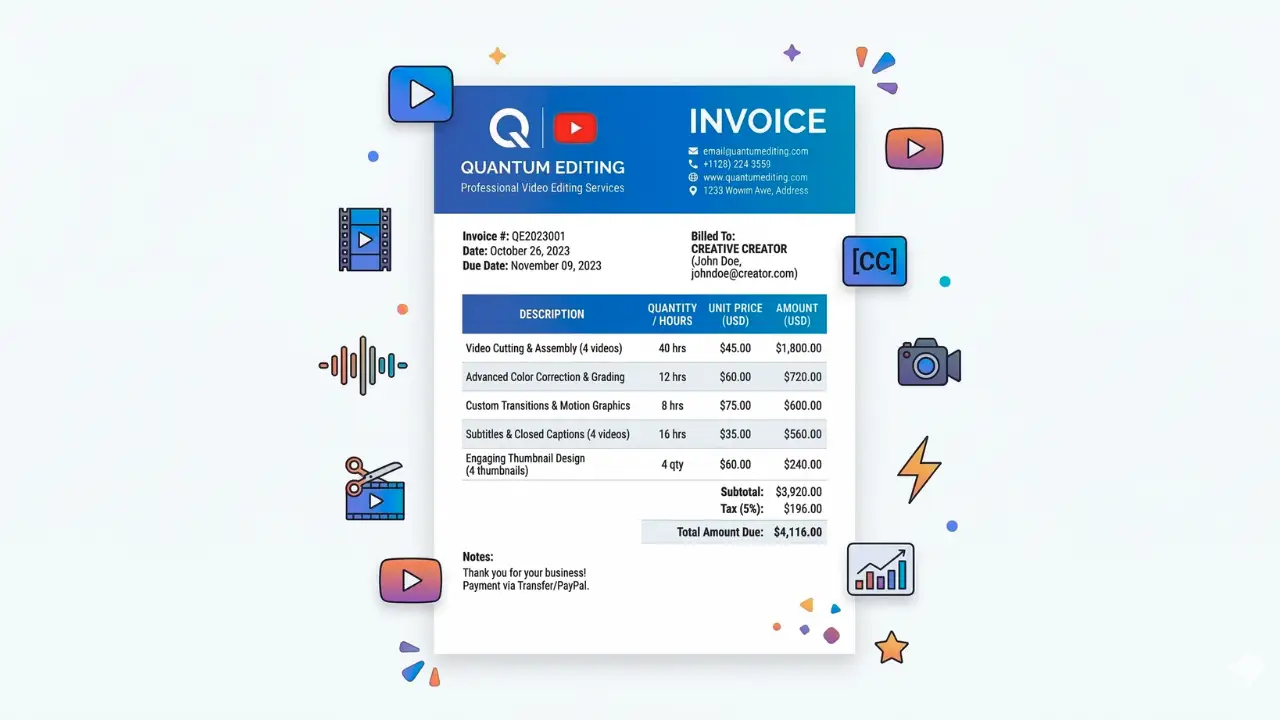
How to Make an Invoice for YouTube Video Editing (Step-by-Step Guide)
If you work as a YouTube video editor, sending a professional invoice is important for getting paid on time. This guide explains how to make an invoice for YouTube video editing services and the key details every invoice should include.
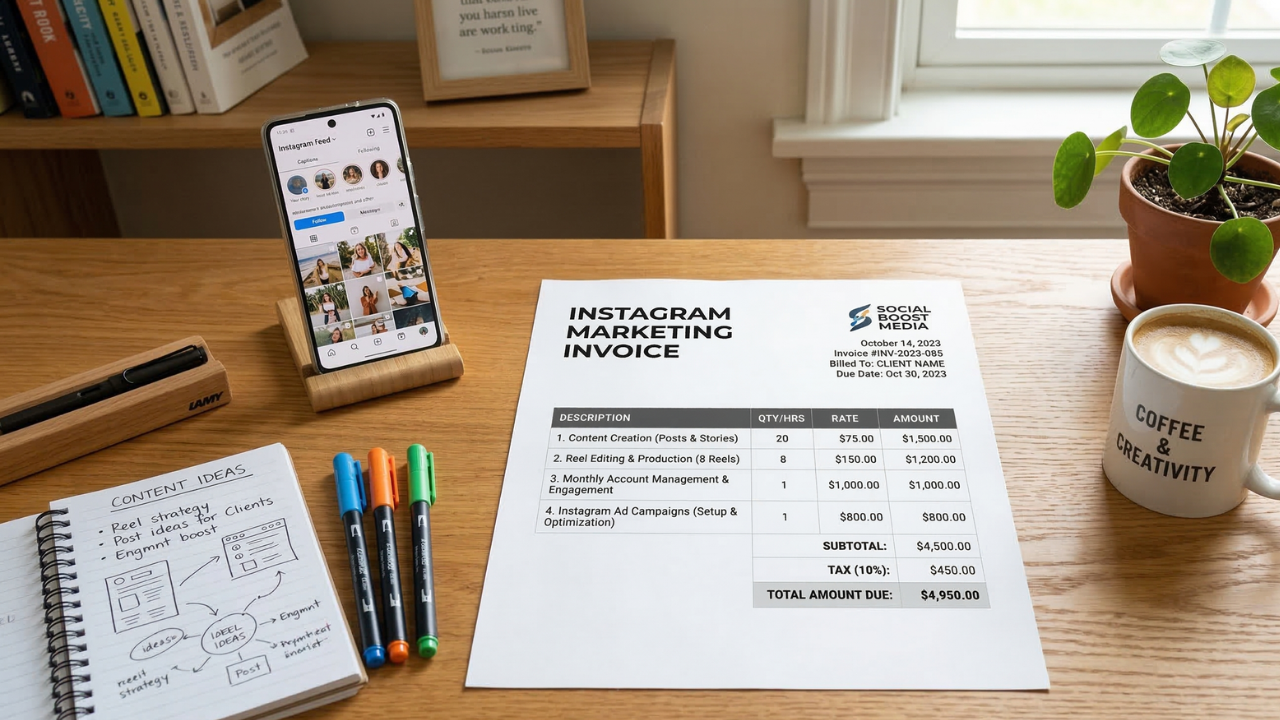
How to Make an Invoice for Instagram Marketing Services (Easy Guide)
Learn how to make an invoice for Instagram marketing services. Discover what to include, see examples, and create professional invoices for social media clients easily.
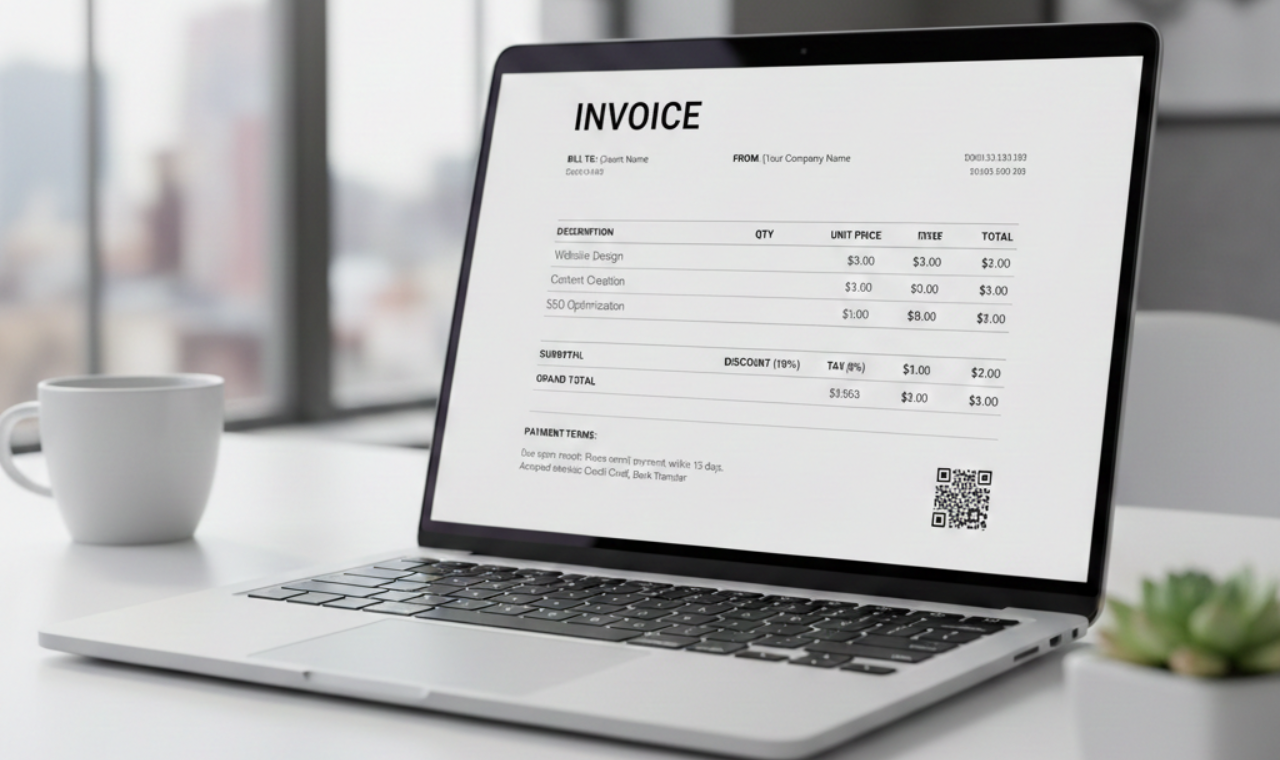
How to Create a Professional Invoice Your Clients Will Pay Faster (Step-by-Step Guide)
Creating a professional, well-structured invoice with clear pricing and payment terms helps you build trust, reduce delays, and get paid faster while maintaining a strong business image.

7 Essential Elements Every Professional Invoice Must Have
Don't let a missing detail delay your payment. Ensure your invoices are professional, legal, and ready for fast processing.
Digital Nomad Invoicing in 2026: How to Bill Clients Across Borders Without a Tax Headache
If you work as a digital nomad — billing London clients from Bali or invoicing New York businesses from Lisbon — the rules that govern what goes on your invoice are determined by your client's location, not yours. In 2026, cross-border tax authority data sharing has intensified and several major eco