How to Make an Invoice for YouTube Video Editing (Step-by-Step Guide)
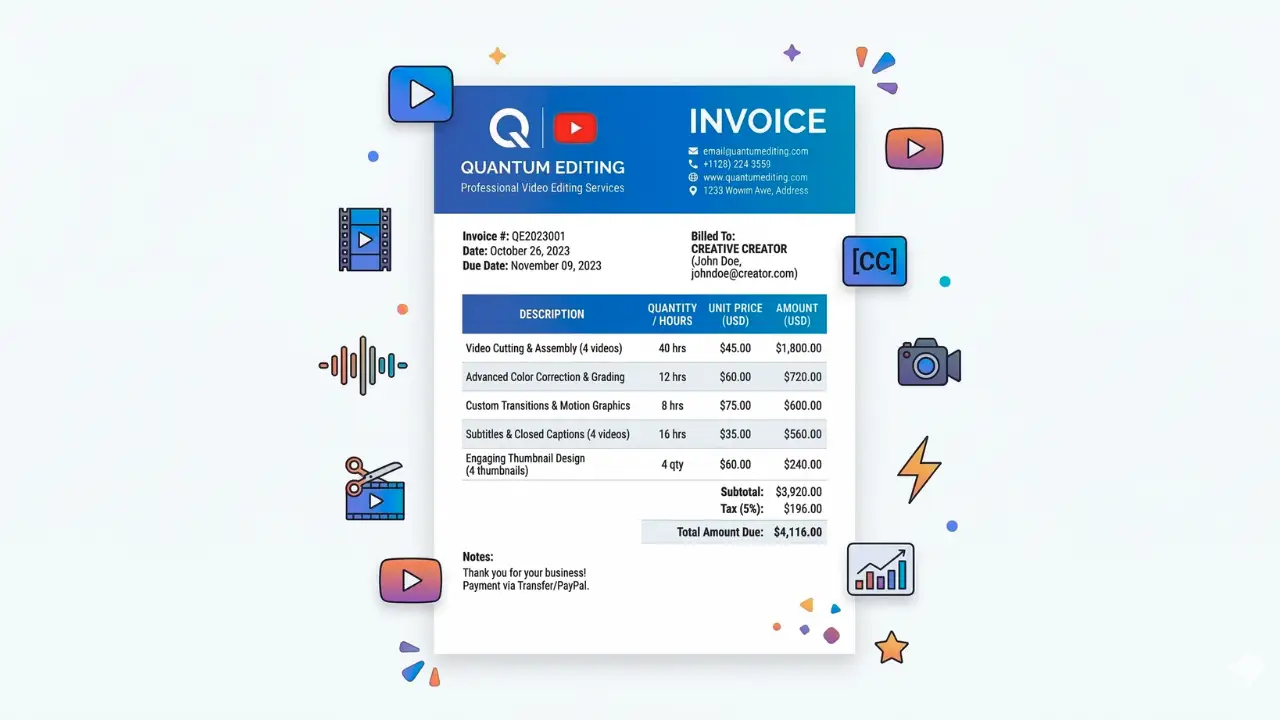
Making excellent content is just one part of being a YouTube video editor. You also require an easy way of receiving payment for the work you do. A professional invoice is essential in this situation. The services you rendered, the cost, and your client's payment information are all clearly displayed on an invoice. Additionally, it keeps your work organized and helps avoid confusion. Due to improper invoicing, many independent editors have issues getting paid. You will appear more professional and it will be simpler for clients to pay you quickly and accurately if you learn how to make an invoice for YouTube video editing.
What is a YouTube Video Editing Invoice?
A YouTube video editing invoice is a simple document that you send to a client to request payment for your editing work. It clearly shows what services you provided and how much the client needs to pay. If you edit videos for YouTubers, agencies, or content creators, an invoice helps you keep your work professional and organized.
Usually, the invoice includes details like your name or business name, the client’s information, the editing services you completed, the price, and the payment due date. For example, you might list services such as video cutting, colour correction, adding transitions, or creating subtitles.
It is simpler for clients to understand what they are paying for when you learn how to make an invoice for YouTube video editing. You can track your earnings and run your freelance editing business more efficiently with a clear invoice.
Create Your YouTube Video Editing Invoice in Seconds
Stop wasting time designing invoices manually. Use our free invoice generator to quickly create professional invoices for your YouTube video editing services and send them to clients in just a few clicks.
Common YouTube Video Editing Services You Can Include in an Invoice
It's important to include a detailed list of the editing services you rendered when creating an invoice for a client. This makes it easier for the client to get the work you did and the reason they have to pay for it. Always provide an easy-to-understand overview of your services when learning how to create an invoice for editing YouTube videos.
Video cutting and trimming, which is the removal of unwanted parts of the footage, are some popular services. To enhance the video quality, many editors include sound effects, background music, pauses, and basic motion graphics. Other popular services that improve the appearance and sound of videos are colour correction and audio adjustment.
You can also incorporate services like basic thumbnail design, YouTube intros and outros, and subtitles. Including these services on your invoice helps to clarify your work and prevent misunderstandings about the final payment.
Step-by-Step: How to Make an Invoice for YouTube Video Editing
Knowing how to make an invoice for YouTube video editing makes it easier for you to get paid and gives you an appearance that is more formal if you work as a freelance editor. A clear invoice lets your client know what you did and how much they must pay. You can follow this easy, step-by-step procedure.
For a deeper look, read our guide: How to Make an Invoice for Graphic Design Projects.
Step 1: Enter Your Information
At the top of the invoice, write your name or the name of your edited business. Include your phone number, email address, or any other way the client can get in touch with you. This makes it easier for the customer to determine who sent the invoice.
Step 2: Include Client Data
The client's name, business name, or YouTube channel name should then be included. Additionally, you can include their billing information or email address. This guarantees that the invoice is sent to the correct person and keeps it organized.
Step 3: Make an invoice number
Each invoice should to have a distinct number. This makes it easier for you to manage your records and keep track of payments. For example, you can use any simple format that suits you, such as INV-001 or INV-002.
Step 4: Enumerate the Editing Services
Give a detailed description of the video editing work you did. As an example, you could write services like sound effects, colour correction, subtitles, video cutting, and transitions. The quantity of videos edited or the total editing hours can also be mentioned.
Step 5: Include Pricing Information
Put the cost of each service or video in writing. While some editors bill by the hour, others charge by the video. Once the prices have been listed, figure out how much the client must pay in total.
Step 6: Include Terms of Payment
Lastly, mention the due date and the payment options you accept, like UPI, PayPal, and bank transfers. Clients are better able to understand when and how to make payments when payment terms are clear.
You can quickly learn how to make an invoice for YouTube video editing by following these steps, which will also help you manage your freelance work more properly.
Pricing Methods Used by YouTube Video Editors
You must also have a clear method for charges your work when you send an invoice to a client. Depending on the needs of the client and the context of the task at hand, many independent editors employ various pricing strategies. Selecting the appropriate pricing strategy is much simpler if you know how to make an invoice for YouTube video editing.
Per-video pricing is one popular method. With this framework, the cost of editing a single video is set. For example, you might charge a certain amount to edit a YouTube video that lasts ten minutes. Because the cost is obvious from the outset, many creators favor this approach.
Hourly pricing is another well-liked choice. In this case, your fee is set by how many hours you spend editing the video. For complicated tasks requiring complex editing, colour correction, or difficult effects, this works well.
Additionally, some editors provide monthly editing packages. Using this approach, a YouTube creator pays a set monthly fee to edit several videos. For channels that frequently upload content, this option is amazing.
Make sure to define the payment methods you used when creating your invoice. This facilitates the client's understanding of the fees and simplifies the payment procedure.
"A clear invoice is just as important as a great edit — it ensures your creative work gets paid professionally."
Common Mistakes YouTube Editors Make When Creating Invoices
When sending invoices to clients, a lot of independent editors make minor errors. Payments may be delayed or confusion may result from these errors. It's crucial to steer clear of these typical issues when learning how to make an invoice for YouTube video editing.
Forgetting to include an invoice number is one error. Payment tracking becomes challenging without it. Writing ambiguous service descriptions is another frequent problem. The client may contest the charges if they are unable to comprehend the work you completed.
Additionally, some editors ignoring to specify the payment method or due date. The payment process may be slowed down as a result. In addition to making you appear professional, a clear, simple, and well-organized invoice ensures that you will be paid on schedule.
How to Get Paid for Video Editing Services More Quickly
Send your invoice as soon as the project finishes to receive payment more quickly. Clearly state the accepted payment methods and the date of the payment. Make sure your invoice is professional and easy. Clients find it simpler to review and pay promptly when you know how to make an invoice for YouTube video editing.
For a deeper look, read our guide: Invoice for Photography Services.
Why Invoice Generators Are Used by So Many YouTube Editors
Because invoice generators make invoicing quick and easy, many YouTube video editors use them. In just a few minutes, you can create a neat and polished invoice using an online tool rather than creating them by hand. For freelancers who manage several projects and clients, this is very beneficial.
Using an invoice generator can save you a lot of time when learning how to make an invoice for YouTube video editing. It reduces calculation errors, arranges service details, and incorporates totals. The invoice can also be downloaded or sent directly to your client. This improves the professionalism of your work and facilitates easier management of your editing business.
Conclusion
Every freelance editor needs to learn how to make an invoice for YouTube video editing. A clear invoice makes it easier for clients to comprehend your work and pay you. Additionally, it gives your editing company a more polished look. You can generate invoices fast and handle payments more easily if you use the right format and basic tools.
Found this helpful?
Share it with a fellow freelancer or business owner.
Keep reading
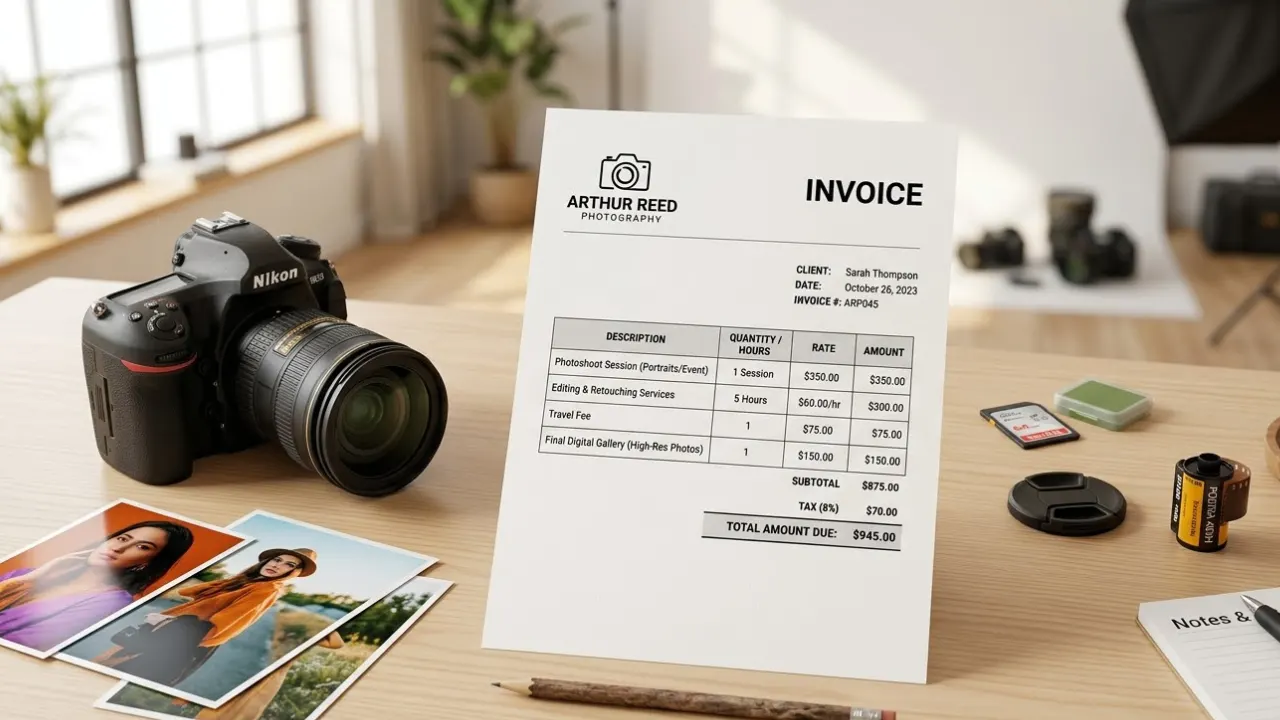
Invoice for Photography Services: How Photographers Can Bill Clients Professionally
Creating a clear invoice for photography services helps photographer’s bill clients professionally and avoid payment confusion. In this guide, you’ll learn what to include in a photography invoice and how to make the payment process simple and organized.
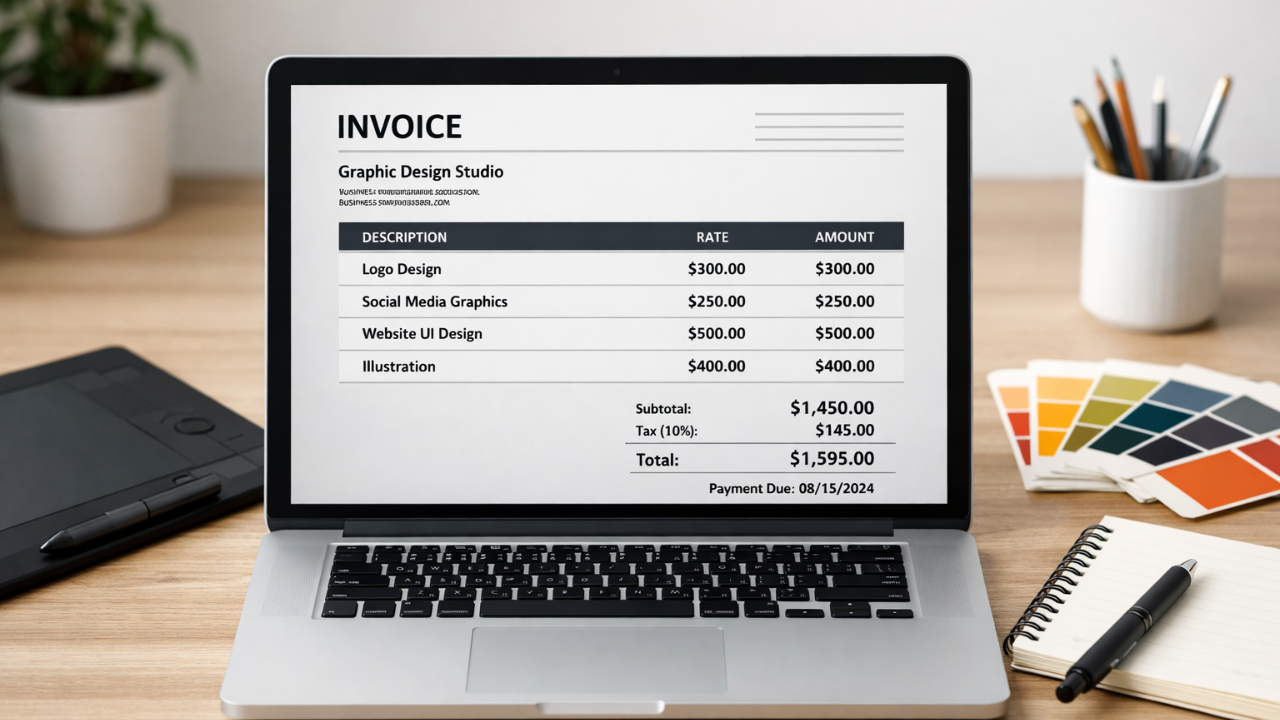
How to Make an Invoice for Graphic Design Projects (Beginner’s Guide)
Learn how to make an invoice for graphic design projects with this beginner’s guide. Discover key elements, examples, and tips to create professional invoices easily.

How to Make an Invoice for Instagram Marketing Services (Easy Guide)
Learn how to make an invoice for Instagram marketing services. Discover what to include, see examples, and create professional invoices for social media clients easily.
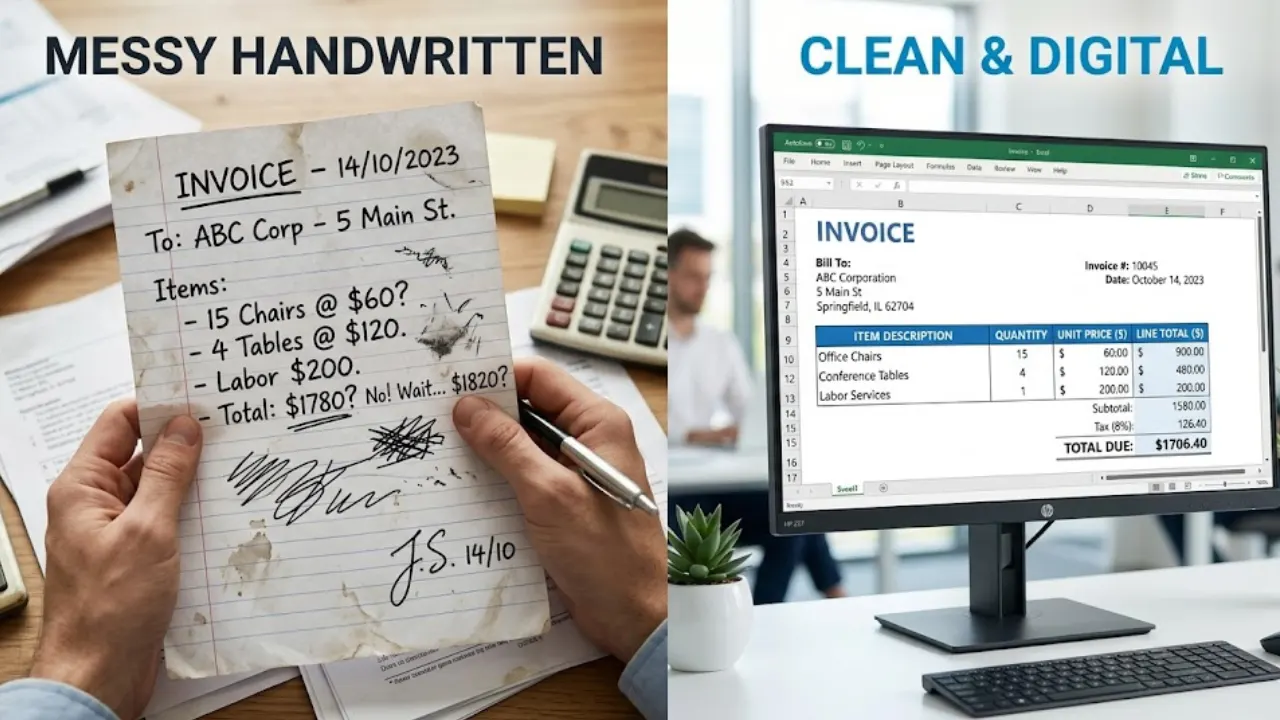
Creating Invoice in Excel Step by Step (With Formula + Free Template)
Creating invoices in Excel is one of the easiest ways to manage billing for freelancers and businesses. In this guide, you’ll learn step-by-step how to design a clean invoice and use formulas to automate calculations like totals, taxes, and discounts.
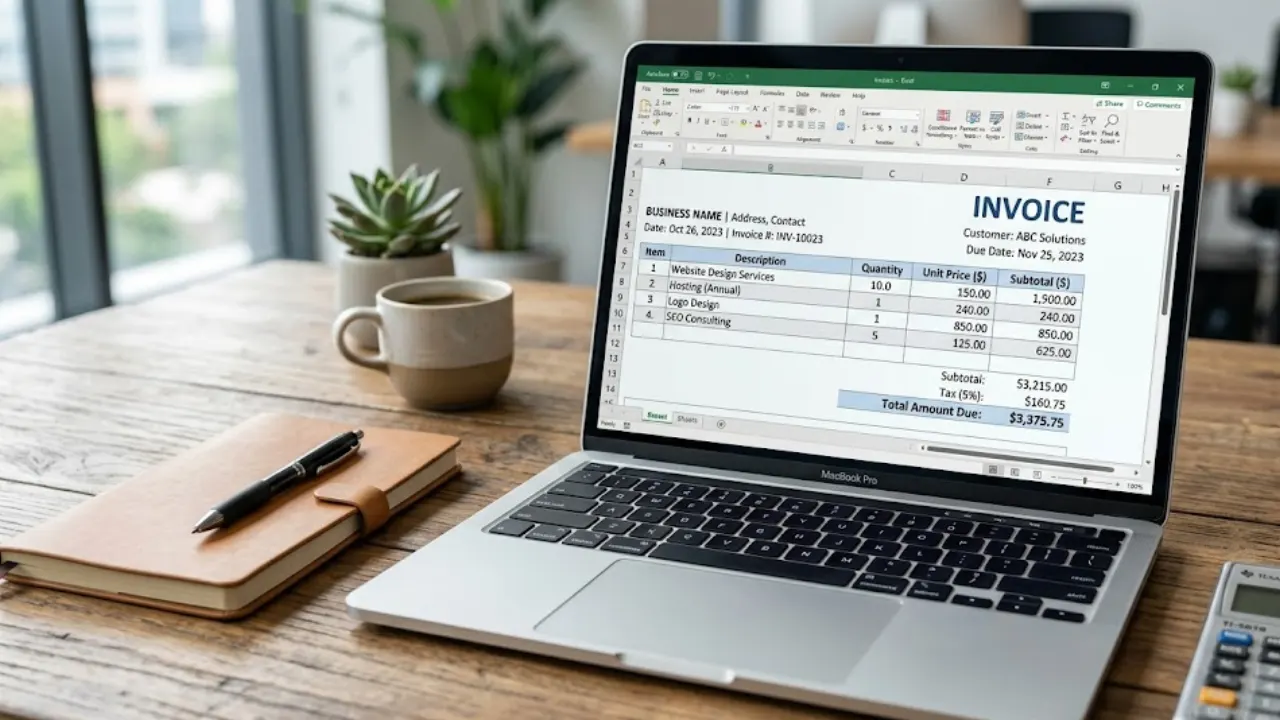
Free Invoice Template in Excel: Download & Create Professional Invoices Easily
A free invoice template in Excel helps you create clean and professional invoices without any design skills. You can easily edit details like client name, services, price, and total amount. It’s simple, fast, and perfect for freelancers and small businesses who want an organized billing process.
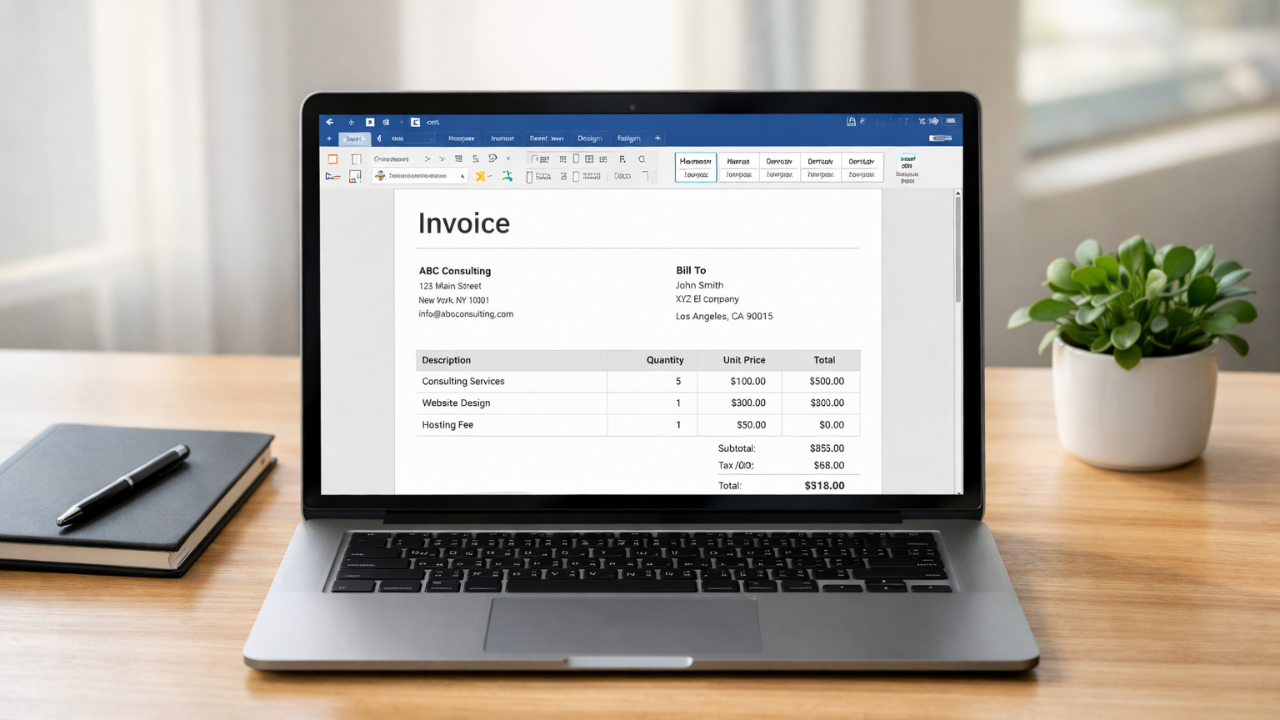
Simple Invoice Format in Word (Free Template for Small Businesses)
Learn how to create a simple invoice format in Word with easy examples, essential invoice elements, and step-by-step guidance.