What the 2026 Fiverr Data Breach Teaches Freelancers About Invoice Privacy
What Happened With Fiverr in 2026?
Before talking about a Fiverr data breach in 2026, there's an important detail to clear up: I couldn't find reliable confirmation of a new 2026 Fiverr data breach from Fiverr or major reporting sources. So it's better not to treat online claims or social media posts as proof of a breach.
What is clear is that Fiverr handles a large amount of freelancer and client information. Its current privacy and security information says the platform may collect details such as names, contact information, addresses, payment information, tax information, transaction details, and identity-verification data.
Create Professional Invoices in Minutes
Generate clean, accurate invoices instantly with our free online invoice generator. No signup required. Fast, simple, and professional.
Fiverr also warns users about phishing, suspicious links, fake messages, and attempts to steal passwords or other personal information.
So, even without a confirmed Fiverr data breach 2026, there's a useful lesson here for freelancers: don't share more personal information than you actually need to.
Your invoices can contain your name, address, phone number, tax details, payment information, and your client's information. If that information is copied, forwarded, or exposed somewhere else, you don't want your invoice to contain unnecessary personal details.
That's why freelancer invoice privacy deserves attention. It's not about being scared of every online platform. It's about being sensible about what information you put into your invoices and where you store and send them.
Why Should Freelancers Care About Invoice Privacy?
An invoice looks harmless. It's just a bill, right?
Not quite. Depending on how you create it, an invoice can contain a surprising amount of personal and business information. A single PDF might show your full name, home or business address, phone number, email, tax number, bank details, and your client's information.
Now imagine sending that same invoice to several people, storing it in multiple places, or accidentally attaching the wrong file to an email. The more copies you create, the more chances there are for your information to end up somewhere you didn't expect.
This is why freelancer invoice privacy matters.
You don't need to remove every detail from your invoices. Your client needs enough information to know who they're paying, what they bought, and where to send the money. Tax rules may also require certain details.
The smarter approach is to share only what's necessary.
For example, if your local rules don't require your home address, there's little reason to put it on every invoice. You could use an appropriate business or mailing address instead.
The same goes for personal phone numbers and other private details. If a business email does the job, use that instead.
Good invoice privacy isn't complicated. It's simply getting into the habit of asking: “Does my client actually need this information?” If the answer is no, don't put it on the invoice.
What Personal Information Can Appear on a Freelancer Invoice?
A freelance invoice can contain much more than the amount your client needs to pay. Before sending one, it's worth checking exactly what information you're putting on the page.
Depending on your business and local rules, an invoice may include:
Your full name or business name
Home or business address
Business email
Phone number
Tax registration number
Bank or payment details
Client's name
Client's business address
Client's email
Project or service details
Invoice number and date
Payment terms
Some of these details may be required. Others are simply details freelancers add because they've always used the same template.
That's where you should be careful.
For example, your client may need your business email, but they may not need your personal phone number. Your tax registration number may be required on a tax invoice, while your home address might not be necessary in some situations.
The rules also vary from one country to another, so don't remove a detail just because another freelancer doesn't include it.
A good approach to freelancer data privacy is to separate required information from optional personal information. Keep what your client and the law need, and leave out everything else.
Before you send an invoice, look at it as if you were the client. If you see personal information that serves no real purpose, ask yourself whether it needs to be there at all.
Should You Put Your Home Address on an Invoice?
If you work from home, this is probably one of the first questions you'll ask.
The short answer is: don't put your home address on an invoice automatically. First check whether your country, tax status, or type of invoice requires an address.
Some tax invoices have specific information requirements. In other cases, you may have more flexibility. The rules aren't the same everywhere, so copying another freelancer's invoice isn't a reliable way to decide what you should include.
If an address is required, you may be able to use a legitimate business address, mailing address, PO Box, or virtual business address, depending on the rules that apply to you.
For example, if you're a freelance designer working from your bedroom, there's no good reason to publish your residential address to every client if an acceptable business address can be used instead.
But don't use a fake address. That's not a privacy solution.
Before sending your next invoice, ask:
Does my local law require an address? Does my tax invoice need a specific type of address? Can I use a business or mailing address instead? Have I accidentally left my home address in an old invoice template?
Your home address on an invoice should be a deliberate choice, not something that appears simply because your invoice template has always contained it.
What the Fiverr Situation Teaches Freelancers About Invoice Privacy?
Whether you're working through Fiverr or finding clients on your own, there's one useful lesson: don't put unnecessary personal information into documents that are shared online.
Fiverr is only one part of a freelancer's workflow. You may also use email, Google Drive, payment services, accounting software, and invoice tools. Each place where you upload or send a document creates another copy of that information.
That doesn't mean you should stop using Fiverr or other freelance platforms. It simply means you should be more careful about what you share.
For example, if a client doesn't need your home address to pay you, don't add it to the invoice unless it's required for your situation. If you can use a business email instead of your personal email, that's another simple way to keep your private and work information separate.
Also be careful with messages that claim to be from Fiverr. Don't click random links asking you to “verify” your account or payment details. If something looks unusual, open Fiverr directly and check your account rather than following the link in the message.
The bigger lesson from the Fiverr data breach 2026 discussion is simple: you don't need to share everything just because you're working online.
Keep the information your client needs, remove unnecessary personal details, and think about where your invoices are being stored and sent. That's a much better approach to freelancer invoice privacy than waiting until your information has already been exposed.
Don't Put More Information on an Invoice Than You Need
A good invoice doesn't need to tell your client everything about you.
Your client normally needs enough information to identify you, understand the work, see the amount due, and make the payment. Tax rules may also require specific details.
Everything beyond that should have a reason for being there.
For example, you may not need to include:
Your personal phone number when you have a business number Your home address when an acceptable business address can be used Personal social media accounts Extra identification details that aren't required Private notes about your business Information about other clients or projects
This doesn't mean you should remove important tax or business information. If a tax authority requires a registration number or address, keep it on the invoice.
A simple way to handle invoice privacy for freelancers is to divide your invoice information into two groups:
Required: information needed by your client or required by law.
Optional: information that you can leave out without affecting the invoice.
For example, your invoice might need your business name and tax number, but there may be no reason to include your personal Instagram account.
Before sending an invoice, read through it once and ask: “If this PDF were forwarded to someone else, would I be comfortable with everything shown here?”
If the answer is no, remove anything that isn't actually needed.
How to Protect Client Information on Your Invoices?
Invoice privacy isn't only about protecting your own information. Your client's details deserve the same care.
An invoice may contain a client's name, business address, email, tax number, project details, or payment information. If you work with several clients, you may have dozens or even hundreds of these documents stored on your computer or online accounts.
Here are some simple ways to reduce the risk of sharing the wrong information.
Check the Recipient Before Sending
Take a second to check the email address before attaching an invoice. This is especially important when two clients have similar names.
Don't Include Unnecessary Client Details
If you don't need a client's personal phone number or other private information on the invoice, don't add it just because you have it.
Keep Invoice Files Organized
Use separate folders for different clients and give files clear names, such as:
INV-2026-021-ABC-Design.pdf
This makes it easier to find the right document and reduces the chance of sending the wrong one.
Protect Your Accounts
Use a strong, unique password for your email, invoice software, and cloud storage. Turn on two-factor authentication when it's available.
Be Careful With Shared Folders
Don't put client invoices in a folder that anyone with a link can access. Check sharing settings before sending or storing documents online.
Don't Share Invoices Publicly
An invoice isn't something to post online as a portfolio example unless you've removed private information first.
These simple habits can make a big difference to freelancer data privacy. You don't need complicated software to start. Being careful about what you collect, store, and share is a good first step.
Are PDF Invoices Safe to Send by Email?
PDF is one of the most common formats freelancers use for invoices because it's easy to open and looks the same on different devices. But a PDF isn't automatically private just because it is a PDF.
The bigger concern is how you send and store it.
Before emailing an invoice, check the recipient's email address carefully. A single wrong letter can send your client's information to the wrong person. Also avoid putting sensitive information in the email subject line because subject lines can be visible in notifications and inbox previews.
For invoices that contain more sensitive information, you can consider using a password-protected PDF or a secure file-sharing system, if it works for your client. If you use a password, don't send the password in the same email as the document.
It's also worth checking your cloud storage settings. A private invoice can become less private if you've accidentally set a shared folder or file to “Anyone with the link.”
What Should Freelancers Do If Their Data Is Exposed?
If you ever learn that your personal or business information has been exposed, don't panic. Start by finding out what information was actually affected.
The right response depends on the situation, but these steps are a good starting point.
1. Find Out What Was Exposed
Check the company's official notice or your account information. There's a big difference between an exposed email address and exposed payment or identity information.
2. Change Your Password
If your password may have been exposed, change it immediately. If you used the same password somewhere else, change it there too.
3. Turn On Two-Factor Authentication
Use 2FA on your email, freelance platforms, payment accounts, and other important services whenever it's available.
4. Watch for Suspicious Messages
After a data incident, be extra careful with emails or messages asking you to confirm your password, payment details, or identity. Don't trust a message simply because it uses a company's name or logo.
5. Check Your Financial Accounts
If payment or banking information may have been affected, keep an eye on your accounts and contact your bank or payment provider if you notice anything unusual.
6. Use Official Support Channels
If the incident involves a platform such as Fiverr, contact the platform through its official website or app rather than using links sent in unexpected messages.
7. Keep a Record
Save official notices and note what steps you took. This can be useful if you later need to report suspicious activity or contact a service provider.
The same approach applies whether the issue involves Fiverr, an email account, cloud storage, or another service. Good freelancer privacy tips are mostly about acting quickly, checking the facts, and not giving scammers more information after an incident.
A few simple habits help:
Check the recipient before sending Use a clear invoice file name Don't put sensitive details in the email subject Use password protection when appropriate Keep invoices in private folders Check cloud-sharing permissions Avoid sending invoices over public or unsecured systems when a safer option is available
For secure freelance invoices, the file format is only one part of the picture. Your email account, storage service, device, and sharing habits matter too.
Fiverr Isn't the Only Place Freelancers Need to Think About Privacy
Fiverr may be part of your freelance business, but it's probably not the only service that handles your information.
Think about everything you use during a normal project:
Fiverr or another freelance marketplaceEmailGoogle Drive or other cloud storagePayPal or other payment servicesAccounting softwareInvoice generatorsMessaging appsYour own website or contact forms
Your invoices can move through several of these services before a client finally pays you. That means freelancer data privacy isn't something you can solve by protecting just one account.
For example, you might create an invoice on your computer, save it to cloud storage, attach it to an email, and then keep another copy for your records. That's several places where the document exists.
You don't need to stop using these services. Instead, make a few simple checks part of your routine.
Use strong passwords, turn on two-factor authentication, review file-sharing permissions, and avoid putting unnecessary personal information on invoices.
Also remember that a client may forward your invoice to their accountant or finance team. Once you've sent a document, you can't completely control where it goes.
That's why it's better to start with less unnecessary personal information in the first place. Good invoice privacy begins before you click “Send.”
Invoice Privacy Checklist for Freelancers
Before sending an invoice, take a quick look at these points:
☐ Don't include your home address unless required
☐ Use a legitimate business or mailing address where allowed
☐ Remove unnecessary personal information
☐ Check the client's email address
☐ Confirm you're sending the correct invoice
☐ Check tax and payment details
☐ Keep invoice files in a private folder
☐ Review cloud-sharing permissions
☐ Use strong passwords and 2FA
☐ Don't share invoices publicly
☐ Keep a secure copy for your records
A one-minute invoice privacy checklist can help prevent simple mistakes that expose your information.
How to Create an Invoice With Less Personal Information?
You don't need to remove important business or tax details to protect your privacy. Instead, create your invoice with only the information your client needs and any details required by law.
A simple process is:
Add your business or professional name.
Use an appropriate business or mailing address instead of your home address, where allowed.
1. Add your business email and other useful contact details.
2. Add the client's information.
3. Add the invoice number and date.
4. Describe the service clearly.
5. Add the amount and required tax details.
6. Add payment instructions.
7. Review the invoice before sending it.
8. Save the final PDF in a secure location.
An invoice generator can make this easier because you can keep your preferred business details in one template instead of editing the same document every time.
Just remember that the tool doesn't decide what information you legally need to include. Check the rules that apply to your country, tax status, and type of business.
The aim is simple: give clients what they need without putting unnecessary personal information on every invoice.
Create Private, Professional Invoices With Invoice Desire
If you're sending invoices regularly, using a reusable invoice template can save time and help you avoid adding personal information by mistake.
With Invoice Desire, you can create an invoice with your business name, client details, services, payment information, and applicable tax fields. You can also review the invoice before downloading it as a PDF and sending it to your client.
For better privacy, use an appropriate business or mailing address instead of your home address when your local rules allow it. Also check the final PDF before sending to make sure you haven't included information you didn't intend to share.
Invoice Desire helps with creating the document, but you are still responsible for making sure the information and tax details on your invoice are correct for your situation.
Create your next invoice with Invoice Desire and keep your freelance billing simple, professional, and privacy-conscious.
Conclusion
The discussion around Fiverr and online data privacy is a good reminder that freelancers should think carefully about the information they share.
Your invoice needs to give clients enough information to understand the work, make the payment, and meet any tax requirements. But that doesn't mean you should automatically include your home address, personal phone number, or other details that aren't needed.
Before sending an invoice, check what information is required, use a suitable business or mailing address where allowed, protect your accounts, and double-check the recipient.
You don't need to make invoicing complicated. Share what is necessary, protect what is personal, and keep your invoice records secure.
With Invoice Desire, you can create clean invoices with the business, client, payment, and tax details you need, then download them as PDFs for easy sharing.
Found this helpful?
Share it with a fellow freelancer or business owner.
Keep reading
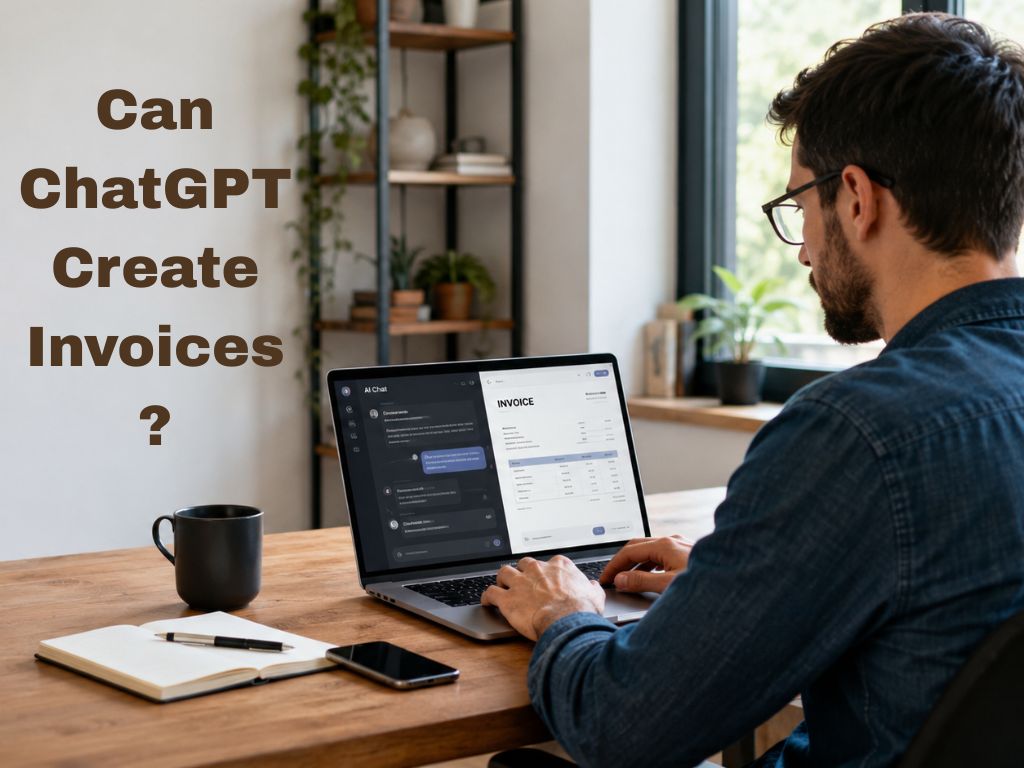
Can ChatGPT Create Invoices? Pros, Risks & Accuracy Explained
Can ChatGPT create invoices? Learn the benefits, risks, accuracy, and limitations of using AI for invoicing.
How to Invoice Clients Without Revealing Your Home Address (Freelancer Privacy Guide 2026)
Most freelancers work from home, and most invoicing guides tell you to put your address on every invoice. But handing your home address to every client — especially those you have only just started working with — is a privacy risk that many freelancers overlook. In most jurisdictions, you have pract
Why Your Invoicing Tool's Privacy Policy Is a GDPR Risk You Haven't Considered
Most freelancers choose an invoicing tool based on price or ease of use. Very few ask the more important question: where does my client data actually go? In 2026, with GDPR enforcement at record levels and data breaches increasingly targeting small businesses, the answer has real consequences.
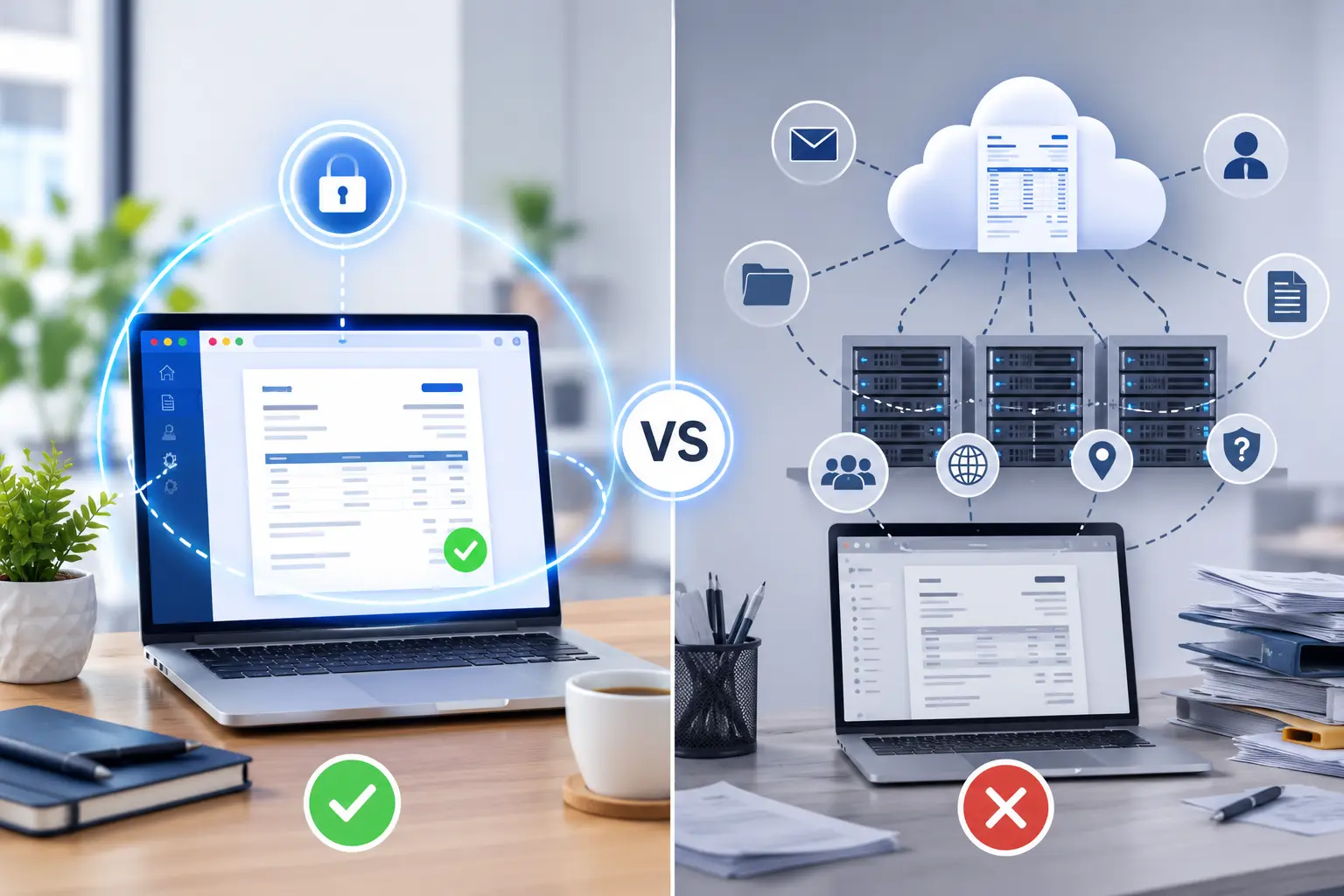
Your Invoice Tool Knows Your Clients' Secrets — Why Browser-Only Invoice Generators Are Different
Choosing the right browser-only invoice generator is more important than many people realize.
Best Billing Software for Small Business (2026 Comparison Guide)
Discover the best billing software for small business in 2026. Compare top tools, features, and pricing to find the right solution for faster invoicing and better payment management.

7 Essential Elements Every Professional Invoice Must Have
Don't let a missing detail delay your payment. Ensure your invoices are professional, legal, and ready for fast processing.