GST Invoice Requirements for Indian Freelancers in 2026: The Complete Checklist

Do Indian Freelancers Need a GST Invoice?
Not every Indian freelancer needs to issue a GST invoice. It mainly depends on whether you're registered under GST and whether GST applies to the services you're providing.
If you're a GST-registered freelancer, you'll generally need to issue a GST tax invoice for taxable services and show the required GST details on it. This helps your client understand exactly what they're paying for and how much GST has been charged.
If you're not registered for GST, you shouldn't simply add GST to your invoice because a client asks you to. GST registration and charging GST are separate from simply creating a professional invoice.
Your work type, turnover, client location, and the nature of your services can all matter. That's why it's better to check your GST position first rather than copying another freelancer's invoice.
For a GST invoice for freelancers, the goal is simple: show the right business details, service details, tax information, and total amount clearly. A good invoice should make it easy for both you and your client to understand the payment.
Create free invoice easily with gst
Create a professional invoice with Invoice Desire and make your freelance billing easier.
What Is a GST Invoice?
A GST invoice is a bill issued by a GST-registered business or freelancer when they provide taxable goods or services. It tells the client what service was provided, how much it cost, and how much GST has been charged.
For example, if you provide website development for ₹50,000 and charge 18% GST, your invoice would show the service value, GST amount, and final total of ₹59,000.
A proper GST invoice also contains important details such as your GSTIN, invoice number, invoice date, client information, service description, and the applicable tax details.
This is why knowing the GST invoice requirements in India matters. A professional-looking invoice isn't enough on its own. The important information needs to be correct too.
Before sending an invoice, take a minute to check the GSTIN, invoice number, tax rate, GST amount, and final total. A small mistake can create unnecessary confusion for you and your client.
Complete GST Invoice Checklist for Freelancers
If you're a GST-registered freelancer, your invoice needs more than just your name, service, and price. Certain details are important for a proper GST invoice.
Here's a simple checklist you can use before sending one.
1. Your Name and Business Details
Start with your legal name or business name. Add your business address and other contact details that help your client identify you.
2. Your GSTIN
Your GSTIN should be clearly shown on the invoice if you're registered under GST. Check the number carefully before sending the invoice.
3. Unique Invoice Number
Every invoice should have a unique invoice number. Keep your numbering system simple and consistent so you can find old invoices easily.
4. Invoice Date
Add the date on which the invoice is issued. Don't leave the date blank or use an incorrect date.
5. Client Details
Add the client's name and address. If the client is GST-registered, include their GSTIN where required.
6. Description of Your Service
Be specific about what you're charging for. Instead of writing just “Freelance Services,” write something like “Website design and development” or “SEO content writing for 10 articles.”
7. SAC Code
For services, the relevant SAC code may need to be included. Use the correct code for the service you're providing rather than guessing.
8. Taxable Amount
Show the value of your service before GST is added. This makes the calculation easy for your client to check.
9. GST Rate
Clearly show the applicable GST rate. Don't add a rate just because it's commonly used by other freelancers.
10. CGST, SGST or IGST
Depending on the transaction, show the applicable GST breakup. This may be CGST + SGST or IGST.
11. Total Amount
Show the final amount clearly, including GST. Your client should be able to see exactly how much they need to pay.
12. Payment Details
Adding your bank account or other payment details can make it easier for the client to complete the payment.
These are the key GST invoice requirements for freelancers to check before sending an invoice. Keep the invoice clean and easy to read, but don't leave out the details that matter.
Simple GST Invoice Example for an Indian Freelancer
Let's make this practical. Suppose you're a freelance web developer and you've completed a website project for an Indian business.
Your invoice could look something like this:
GST TAX INVOICE
Freelancer: Xyz Web Studio
GSTIN: 24XXXXXXXXXXXXZ
Invoice No.: INV-2026-001
Invoice Date: 21 August 2026
Bill To: ABC Technologies Pvt. Ltd.
Client GSTIN: 24XXXXXXXXXXXXZ
Service: Website design and development
SAC: [Applicable SAC code]
Taxable Value: ₹50,000
CGST @ 9%: ₹4,500
SGST @ 9%: ₹4,500
Total GST: ₹9,000
Total Amount: ₹59,000
The details above are only an example. The GST rate, SAC code, and tax treatment should match your actual service and transaction.
Notice how the invoice doesn't just show ₹59,000. It clearly separates the service value from the GST. That's useful for both you and your client.
When creating a GST invoice for freelancers, keep this basic structure in mind: identify who is billing, identify the client, explain the service, show the taxable value and applicable GST, and make the final amount easy to find.
A clean invoice doesn't need to be complicated. It just needs to contain the right information.
CGST + SGST vs IGST: Which One Should a Freelancer Show?
This is one of the parts of a GST invoice that often confuses freelancers. The basic idea is actually quite simple: the GST you show depends on whether the supply is treated as intra-state or inter-state.
When CGST + SGST Applies
For an applicable intra-state supply, GST is generally split into two parts:
CGST — Central Goods and Services Tax
SGST — State Goods and Services Tax
For example, if your taxable service is ₹50,000 and the applicable GST rate is 18%:
CGST @ 9% = ₹4,500 SGST @ 9% = ₹4,500 Total GST = ₹9,000 Invoice total = ₹59,000
When IGST Applies
For an applicable inter-state supply, GST is generally charged as IGST instead.
Using the same ₹50,000 example:
IGST @ 18% = ₹9,000 Invoice total = ₹59,000
The important part is that you shouldn't choose CGST, SGST, or IGST based only on where you happen to be working from. GST treatment can depend on the place-of-supply rules and the type of service.
So before preparing your GST invoice, check the transaction details and use the correct GST treatment. If you're unsure about a particular client or service, it's better to confirm the rules than guess.
Do Freelancers Need to Add SAC Codes?
Yes, SAC codes can be an important part of a GST invoice for services. SAC stands for Services Accounting Code, and it's used to identify the type of service you're providing.
For example, a freelancer might provide web development, graphic design, consulting, marketing, or writing services. The correct classification depends on the actual service, so don't simply pick a code because another freelancer is using it.
When preparing a GST invoice for freelancers, describe your service clearly and use the applicable SAC code where required. This makes the invoice easier to understand and helps keep your GST records consistent.
A good practice is to check the correct classification before creating your invoice, especially if you're offering several different types of services.
Don't guess the SAC code. If you're unsure which code applies to your work, check the current GST classification or ask a qualified tax professional.
The goal is simple: your invoice should accurately describe what you sold and show the correct tax treatment for that service.
GST Invoice vs Regular Invoice
The main difference is simple: a GST invoice includes GST details, while a regular invoice doesn't charge GST.
If you're registered under GST and the transaction is taxable, your invoice generally needs the required GST information. This can include your GSTIN, applicable tax rate, GST amount, and other required details.
A freelancer who isn't registered for GST shouldn't add GST to an ordinary invoice just to make it look more professional.
GST Invoice
Used by applicable GST-registered businesses
Shows GSTIN where required
Shows applicable GST details
Includes GST breakup where applicable
Follows applicable GST invoice rules
Regular Invoice
Can be used by businesses not charging GST
GSTIN may not apply
Doesn't show GST as a tax charge
Shows the agreed service amount
For example, if your service price is ₹20,000 and you're registered and required to charge 18% GST, the invoice may show the ₹20,000 taxable value plus ₹3,600 GST.
If you're not registered under GST, don't simply add that ₹3,600 as “GST.”
So when creating a GST invoice for freelancers, first confirm whether GST applies to you and the particular transaction. Then use the right invoice format instead of copying someone else's.
Common GST Invoice Mistakes Freelancers Should Avoid
A GST invoice doesn't have to be complicated, but small mistakes can cause problems later. Before sending an invoice, take a minute to check these common issues.
1. Wrong GSTIN
Double-check your GSTIN and your client's GSTIN, if applicable. One incorrect character can make the invoice harder to verify.
2. Missing Invoice Number or Date
Every invoice should have the required invoice number and date. Don't leave either one blank.
3. Wrong GST Rate
Don't automatically use 18% for every service. The applicable GST rate depends on the nature of the supply and the rules that apply.
4. Incorrect GST Breakup
If CGST and SGST apply, show the correct amounts separately. If IGST applies, show IGST instead.
5. Vague Service Description
“Freelance work” doesn't tell your client much. Write what you actually provided, such as “Logo design and brand guidelines.”
6. Wrong SAC Code
Don't guess the SAC code. Check the correct classification for your service.
7. Charging GST Without Being Registered
If you're not registered under GST, don't add GST to your invoice simply because your client expects it.
8. Incorrect Total
Check the taxable amount, GST calculation, and final amount before sending the invoice.
These simple checks cover many of the common GST invoice requirements for freelancers. A quick review before sending can save you from correcting an invoice later.
How to Create a GST Invoice Online
Creating a GST invoice doesn't need to take a lot of time. Once you have your business and client details ready, you can create one in just a few steps.
Step 1: Add Your Business Details
Enter your name or business name, address, and GSTIN.
Step 2: Add Your Client's Details
Enter the client's name, address, and GSTIN if applicable.
Step 3: Add Invoice Details
Give the invoice a unique invoice number and add the invoice date.
Step 4: Describe Your Service
Write exactly what you provided. For example, “Website development and maintenance” is much clearer than simply writing “Services.”
Step 5: Add the SAC Code
If required, add the appropriate SAC code for the service you're providing.
Step 6: Add the Taxable Amount
Enter your service price before GST.
Step 7: Add the Correct GST
Enter the applicable GST rate and show the correct tax breakup, such as CGST + SGST or IGST.
Step 8: Check Everything
Before sending, check your GSTIN, invoice number, date, service description, tax amount, and final total.
Step 9: Download and Send
Save the completed invoice as a PDF and send it to your client.
With GST invoice requirements for freelancers, accuracy matters more than making the invoice fancy. A simple, well-organized invoice is easier for your client to understand and easier for you to keep track of.
GST Invoice Checklist Before Sending It
Before you send your invoice to a client, take one minute to go through this checklist. It can help you catch small mistakes before they become a problem.
GST Invoice Checklist for Freelancers
☐ Your name or business name is correct
☐ Your GSTIN is correct
☐ The invoice number is unique
☐ The invoice date is correct
☐ Client name and address are included
☐ Client GSTIN is added where applicable
☐ Your service description is clear
☐ The applicable SAC code is included where required
☐ Taxable value is correct
☐ The correct GST rate is used
☐ CGST + SGST or IGST is shown correctly
☐ The GST amount is calculated correctly
☐ The final amount is correct
☐ Your payment details are included
☐ You've saved a copy of the invoice
Don't skip the final check just because you've created hundreds of invoices before. A wrong GSTIN, tax amount, or invoice number can mean sending a corrected invoice later.
Keep this GST invoice checklist handy and use it every time you create an invoice. It takes less than a minute and makes your billing process much smoother.
Create Your GST Invoice with Invoice Desire
Once you know what needs to go on your invoice, creating one shouldn't feel like a chore. You shouldn't have to build an invoice from scratch in a spreadsheet every time a client asks for a bill.
With Invoice Desire, you can create a professional invoice by adding your business details, client information, services, amounts, and applicable tax details. You can then review the invoice and download it as a PDF to send to your client.
It's especially useful when you're handling multiple clients and want your invoices to look clean and consistent.
Just remember: an invoice generator can help you prepare the document, but you are responsible for using the correct GST details, tax rate, and other information that applies to your transaction.
If you're ready to create your next GST invoice for freelancers, keep it simple, check the details, and send a clear invoice your client can understand.
Found this helpful?
Share it with a fellow freelancer or business owner.
Keep reading

Can ChatGPT Create Invoices? Pros, Risks & Accuracy Explained
Can ChatGPT create invoices? Learn the benefits, risks, accuracy, and limitations of using AI for invoicing.
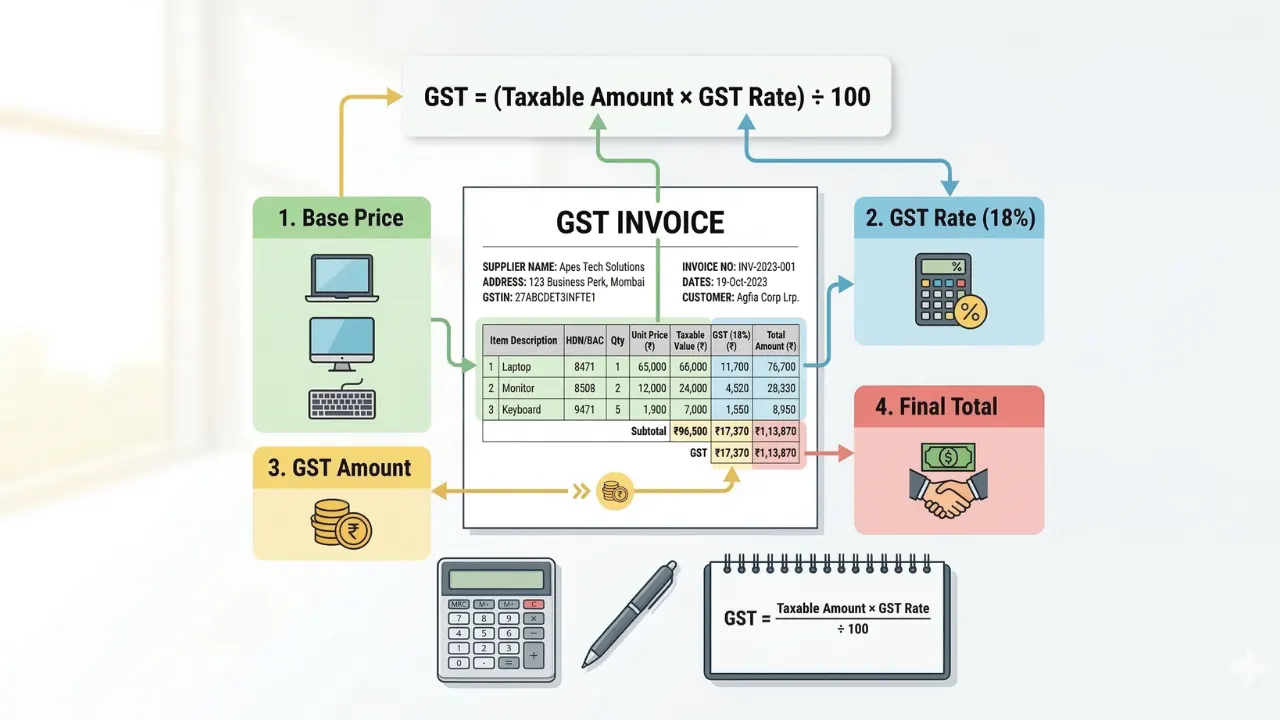
How to Calculate GST in Invoice (With Simple Examples)
Learn how to calculate GST in an invoice with simple formulas and practical examples. This guide explains GST calculation clearly so businesses can create accurate invoices.
What is GST Invoice? Rules, Format & Mandatory Fields Explained
A GST invoice is a legally required document issued by registered businesses for taxable sales under GST. In this guide, we explain what is GST invoice, its rules, format, and mandatory fields to help your business stay compliant and avoid penalties.
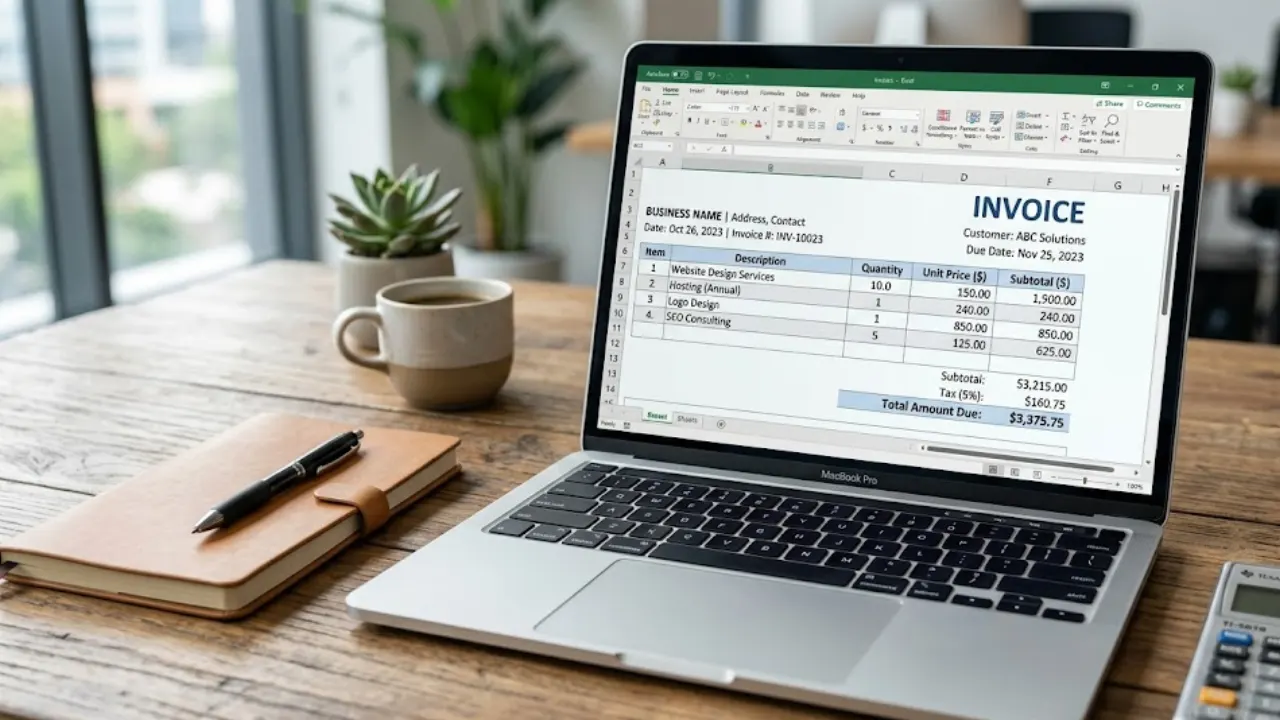
Free Invoice Template in Excel: Download & Create Professional Invoices Easily
A free invoice template in Excel helps you create clean and professional invoices without any design skills. You can easily edit details like client name, services, price, and total amount. It’s simple, fast, and perfect for freelancers and small businesses who want an organized billing process.
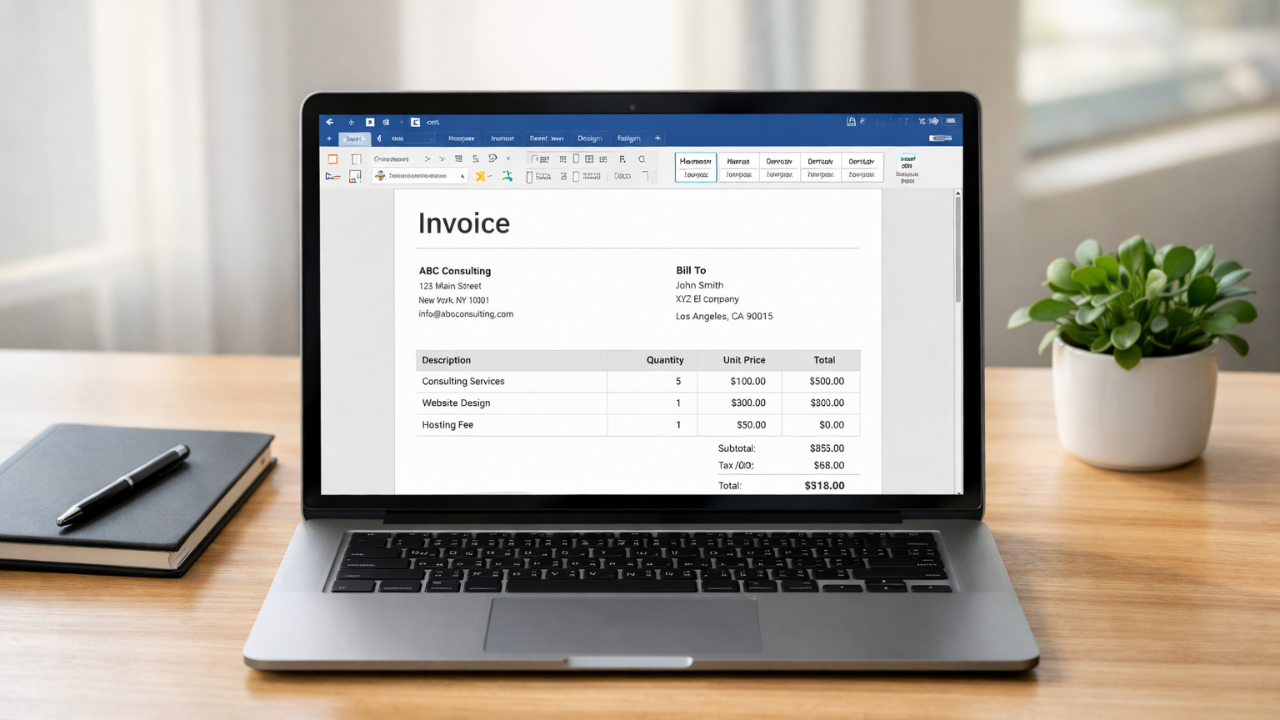
Simple Invoice Format in Word (Free Template for Small Businesses)
Learn how to create a simple invoice format in Word with easy examples, essential invoice elements, and step-by-step guidance.

Recurring Invoices and Retainer Billing for Freelancers: A Complete 2026 Guide
For freelancers chasing stable, predictable income, retainer agreements are the gold standard — and the recurring invoice is the tool that makes them work. Instead of starting each month hunting new projects, retainer clients provide guaranteed work and guaranteed pay. But billing for a retainer cor