How to Issue a Credit Note as a Freelancer: When, Why, and What to Include (2026 Guide)

Introduction: What Is a Credit Note?
Sometimes, a freelancer may send an invoice and later find that the amount needs to be changed. Maybe the client was charged too much, a part of the work was cancelled, or both sides agreed on a lower price. In these cases, a credit note can help correct the amount.
If you want to learn how to issue a credit note, this guide explains when to use one, what details to include, and how to prepare it step by step. You will also see a simple example to help you manage invoice changes and keep clear records for your freelance work.
What Is a Credit Note?
A credit note is a document that reduces or corrects the amount shown on an invoice you have already sent to a client. It explains how much the original amount is being reduced and why the change is needed.
Create free invoice easily
Generate clean, accurate invoices instantly with our free online invoice generator. No signup required. Fast, simple, and professional.
For example, suppose you sent a client an invoice for $500 but later agreed to give them a $50 discount. You can issue a credit note for $50, bringing the amount due down to $450, before any tax changes.
A credit note is not the same as a refund. It records the amount you are reducing, while a refund means you return money to the client. If the client has already paid, you may need to refund the credited amount, depending on your agreement.
For freelancers, a credit note helps keep billing records clear and makes it easier to track changes to an original invoice.
When Should a Freelancer Issue a Credit Note?
Freelancers may need to issue a credit note when an invoice needs to be reduced or corrected after it has been sent to a client. Here are some common situations where it can help.
You charged the wrong amount: If you added too much to an invoice by mistake, a credit note can show the amount being reduced.
You agreed on a discount: If you offer a discount after sending the original invoice, you can record the price change with a credit note.
The client cancels part of the work: If a client cancels a part of the project and you agree to charge less, a credit note can show the reduction.
You could not complete all the work: If you agreed to charge less because some services were not delivered, a credit note can help correct the bill.
You need to give a partial refund: If you agree to return part of the payment, a credit note can record the amount being credited.
Before issuing a credit note, check the original invoice and agree on the change with your client. Keep a copy of both documents so you can track the change later. Tax rules for credit notes can differ by country, so check the rules that apply to your freelance work.
What Information Should a Credit Note Include?
When creating a credit note for a client, include enough details to explain the change clearly. This helps both you and your client keep correct payment records.
Here are the main details to include in a credit note format:
Credit note number: Give each credit note a unique number so you can find it easily later.
Credit note date: Add the date you issue the document.
Your business details: Include your name or business name, address, and contact details.
Client details: Add the client's name or business name and other required details.
Original invoice number: Mention the invoice that needs to be corrected.
Reason for the credit: Explain why you are reducing the amount, such as an incorrect charge or an agreed discount.
Amount credited: Show the amount being reduced from the original invoice.
Tax details: Include any changes to GST, VAT, or other applicable taxes, where required.
Updated amount due: If needed, show the remaining balance after the credit is applied.
Before sending the credit note, check that the figures match your agreement with the client. Keep it with the original invoice for easy reference. The exact details required may vary depending on your country and tax rules.
How to Issue a Credit Note Step by Step
If you have never created a credit note before, follow these simple steps to correct an invoice and keep your records clear.
Step 1: Check the original invoice
Find the invoice you sent to your client. Check the invoice number, total amount, and the item or service that needs to be changed.
Step 2: Confirm the amount to credit
Work out how much you need to reduce. This could be the full invoice amount or just a part of it. Make sure you and your client agree on the change.
Step 3: Create the credit note
Give the document a unique credit note number and add the date, your details, the client's details, and the original invoice number.
Step 4: Explain the reason
Write a short reason for the change, such as a billing mistake, an agreed discount, or work that was cancelled.
Step 5: Add the amount and tax details
Show the amount being credited and any related tax changes that apply. Check the rules for your country before sending the document.
Step 6: Send it to your client
Share the credit note with your client and keep a copy for your own records.
Step 7: Update your records
Record the credit against the original invoice so you can track the amount paid, the amount reduced, and any balance still due. If the client has already paid, arrange any refund separately when needed.
Following these steps makes it easier to handle invoice changes and avoid confusion about payments.
Credit Note Example for a Freelancer
Let's say you are a freelance graphic designer and you send a client an invoice for $500 for a logo design project. Later, you agree to give the client a $100 discount because you removed one part of the work.
In this case, you can issue a credit note for $100 and refer to the original invoice.
Here is a simple example:
Original invoice : $500
Credit note amount : $100
New amount due : $400
The credit note should include the reason for the discount, its issue date, a unique credit note number, and the original invoice number. Any tax changes should also be shown where required.
If the client has already paid $500, you may need to return $100 or agree on another way to settle the amount. Keep both documents together so you can track the change easily.
This simple credit note example shows how freelancers can correct a bill without changing or deleting the original invoice.
Create Clear Invoice Records With Invoice Desire
Keeping invoice records clear can save time when you need to correct a bill or check a past payment. Invoice Desire offers a free online invoice generator that lets you create invoices in your browser and download them as PDFs.
You can use it to prepare invoices with the details your clients need, including item descriptions, prices, and applicable tax details. You can also explore the free invoice templates to find a layout that suits your business.
Invoice Desire does not replace the need to check the rules for credit notes in your country. If you need to issue a credit note, make sure your document includes the required details and refers to the original invoice.
FAQs About Credit Notes
Does a credit note replace an invoice?
No. A credit note does not replace the original invoice. It records a reduction in the amount charged. Keep both documents so you have a clear record of the change.
Can a freelancer issue a credit note after payment?
Yes, a freelancer may need to issue a credit note after receiving payment if a price change, discount, or refund is agreed upon. If money needs to be returned, the refund is handled separately. Check the tax rules that apply in your country.
Is a credit note the same as a refund?
No. A credit note records the amount being reduced from an invoice, while a refund means money is returned to the client. A credit note may be used when arranging a refund, but the two are not the same.
Can I issue a credit note for only part of an invoice?
Yes. If you need to reduce only one part of an invoice, you can issue a credit note for that amount. Clearly explain the reason and show the amount being credited.
Do credit notes need a unique number?
A unique credit note number helps you track each document and avoid confusion. Some countries also have specific numbering and record-keeping rules, so check the requirements that apply to your business.
Conclusion
Knowing how to issue a credit note helps freelancers correct billing mistakes, record discounts, and handle changes to a project price. Always refer to the original invoice, explain the reason for the change, and show the amount being credited clearly.
Keep copies of your credit notes and invoices together so you can check them whenever needed. Before issuing a credit note, make sure you follow the tax and record-keeping rules that apply in your country. Clear records help you manage payments with less confusion and build trust with your clients.
Found this helpful?
Share it with a fellow freelancer or business owner.
Keep reading

5 GST Mistakes Indian Freelancers Keep Making in 2026 (And How to Fix Them)
Indian freelancers generating GST invoices face an increasingly strict compliance environment in 2026. The GSTR-3B auto-lock changes introduced in July 2025, combined with tighter GSTR-1 requirements, mean that the shortcuts many freelancers relied on can now trigger notices, penalties, or blocked i

Belgium's B2B E-Invoicing Mandate in 2026: A Freelancer's Essential Compliance Guide
On 1 January 2026, Belgium became one of the first EU countries to mandate structured e-invoicing for all B2B transactions between VAT-registered businesses. If you are a freelancer working with Belgian business clients, your plain PDF invoice may no longer be legally sufficient.
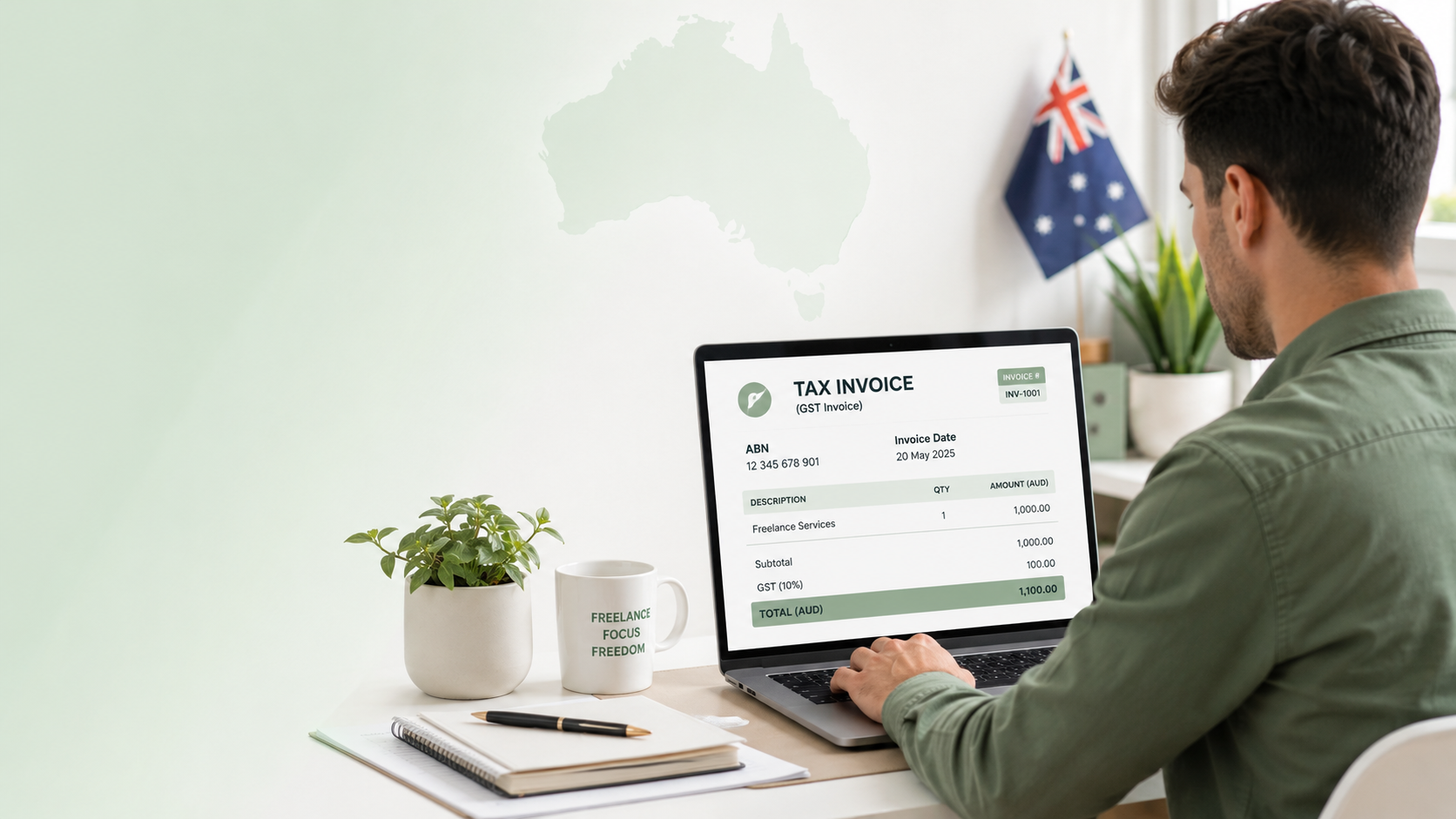
Australia's 7 Mandatory Tax Invoice Fields: The GST Compliance Checklist for Freelancers (2026)
If you are a freelancer operating in Australia, the ATO has strict requirements for what must appear on every tax invoice. Missing even one of the seven mandatory fields means your client cannot claim a GST input tax credit — which can damage professional relationships and trigger compliance questio
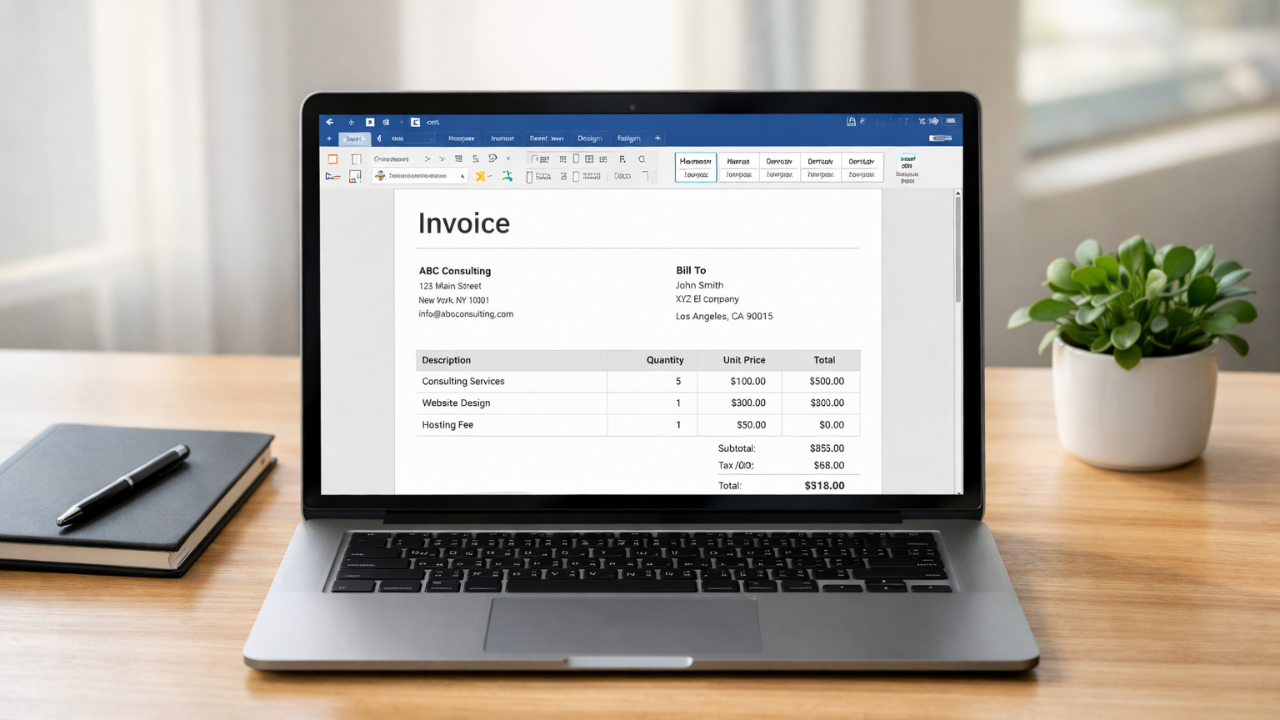
Simple Invoice Format in Word (Free Template for Small Businesses)
Learn how to create a simple invoice format in Word with easy examples, essential invoice elements, and step-by-step guidance.

Can ChatGPT Create Invoices? Pros, Risks & Accuracy Explained
Can ChatGPT create invoices? Learn the benefits, risks, accuracy, and limitations of using AI for invoicing.

10 Reasons Clients Don't Pay Invoices (And How to Fix Them)
Why Your Client Is Not Paying Your Invoice | 10 Real Reasons