Poland's KSeF Mandatory E-Invoicing in 2026: A Freelancer's Compliance Guide
What Is KSeF and Why Is It Mandatory in Poland?
KSeF stands for Krajowy System e-Faktur, which means the National e-Invoice System in Poland. It is a government system used for issuing, receiving, and handling structured electronic invoices.
Instead of creating an invoice and simply sending a PDF by email, businesses covered by the KSeF rules send their invoices through the system. The invoice is created in a structured format that can be read and processed by accounting software.
Poland introduced mandatory KSeF in stages during 2026. The first group of businesses had to start issuing invoices through KSeF from 1 February 2026, while most other businesses came under the issuing requirement from 1 April 2026. The smallest businesses with monthly sales documented by invoices of up to PLN 10,000 gross have a temporary extension until 1 January 2027.
There is another important point for freelancers: receiving invoices through KSeF became mandatory from 1 February 2026 for businesses covered by the receiving rules, even where their own deadline for issuing invoices through KSeF is later.
For a freelancer, the main idea is simple: KSeF changes the normal way business invoices are handled in Poland. If your business falls under the mandatory rules, you need a system and invoicing process that can work with KSeF instead of relying only on traditional PDF invoices.
When Does KSeF Become Mandatory in 2026?
KSeF did not become mandatory for every business in Poland on the same day. The government introduced the system in stages during 2026.
The main dates are:
1 February 2026: The largest businesses, with sales above PLN 200 million including VAT in 2024, became required to issue invoices through KSeF.
1 April 2026: The requirement expanded to most other businesses.
1 January 2027: The smallest businesses that have monthly sales documented by invoices of no more than PLN 10,000 gross get until this date before they must start issuing invoices through KSeF.
For most freelancers and small businesses, 1 April 2026 is the date to pay attention to. However, if your monthly invoiced sales stay within the PLN 10,000 gross limit, the temporary exemption from issuing invoices through KSeF continues until the end of 2026.
There is an important difference between sending and receiving invoices. The obligation to receive invoices through KSeF started earlier, on 1 February 2026, even for businesses whose own invoice-issuing deadline is later.
So, if you are a freelancer, do not look only at the date when you have to start sending KSeF invoices. You should also make sure you can receive invoices through the system.
The easiest way to prepare is to check your monthly invoice value, understand which deadline applies to you, and make sure your invoicing software is ready before your required date.
Does KSeF Apply to Freelancers?
Yes, KSeF can apply to freelancers. Being a freelancer does not automatically keep you outside the system.
What matters is how your business operates and whether your invoices fall under the Polish KSeF rules.
For example, imagine you are a freelance web developer registered as a business in Poland. You complete a website project for a Polish company and issue a business invoice. If the invoice is covered by the mandatory KSeF rules, you need to issue it through KSeF from the date that applies to your business.
The same can apply to other freelancers, such as:
Graphic designers
Photographers
Programmers
Marketing professionals
Consultants
Writers
Online service providers
However, not every invoice a freelancer creates will necessarily be handled in the same way. B2B, B2C, and foreign transactions can have different rules, so it is important to look at the type of customer and transaction rather than assuming that every invoice must go through KSeF.
Small freelancers should also pay attention to the temporary rule for businesses with very low invoiced sales. Businesses whose invoices do not exceed PLN 10,000 gross per month can continue using the temporary arrangement until 1 January 2027, subject to the conditions set by the Polish rules.
Another point that is easy to miss is receiving invoices. Even if you are not yet required to issue all your invoices through KSeF, you may already need to be ready to receive invoices through the system.
So the right question is not simply, “Am I a freelancer?” It is “What type of business do I run, who do I invoice, and which KSeF deadline applies to me?”
Who Must Use KSeF?
Ready To Make invoice?
Generate clean, accurate invoices instantly with our free online invoice generator. No signup required. Fast, simple, and professional.
KSeF is mainly aimed at businesses that issue invoices as part of their business activity in Poland. From 2026, the mandatory system covers a large part of business invoicing, but the exact rules depend on the type of business and transaction.
In general, businesses that issue invoices covered by the mandatory KSeF rules need to use the system from their applicable start date.
This can include:
VAT-registered businesses
Businesses that are exempt from VAT in certain situations
Self-employed people and freelancers
Small and medium-sized businesses
Larger companies
The important thing is that KSeF is not only for large companies. A person running a small one-person business can also be affected.
There are, however, situations where the mandatory KSeF rules do not apply in the same way. For example, certain invoices issued to consumers, some foreign transactions, and specific types of invoices may be treated differently.
There is also a temporary arrangement for the smallest businesses. If the total value of invoices covered by the temporary rule does not exceed PLN 10,000 gross in a month, the business can continue without mandatory KSeF invoice issuing until 1 January 2027, provided the conditions are met.
This is why checking only your business size is not enough. You should look at your VAT status, the type of customers you invoice, the type of transactions you make, and your monthly invoice value.
If you are unsure whether your business falls under KSeF, checking with an accountant or using the official Polish tax guidance is safer than assuming that you are either completely included or completely exempt.
What Is a KSeF Invoice?
A KSeF invoice is a structured electronic invoice that is issued through Poland's National e-Invoice System.
The main difference is that it is not just a document made for someone to read. The invoice is created in a standard digital structure so that the information can be read and processed by computer systems.
This is different from a normal PDF invoice.
For example:
Paper invoice: A physical document.
PDF invoice: A digital document that looks like a traditional invoice.
KSeF invoice: A structured invoice sent through the KSeF system.
When you issue an invoice through KSeF, the system receives the invoice data and assigns it a unique KSeF invoice number. The invoice can then be accessed by the buyer through the system according to the applicable rules.
For freelancers, this means you should not think of KSeF as simply another place to upload a PDF. Your invoicing software needs to create the invoice in the required structured format and communicate with KSeF.
You also do not normally need to type technical data yourself. Compatible accounting or invoicing software can handle the structured format in the background.
Your job is mainly to make sure the information you enter is correct, such as the customer's details, service description, amounts, VAT information, and payment details.
Once your software and KSeF access are set up properly, issuing an invoice should fit into your normal workflow rather than becoming a completely separate task.
Can You Still Send PDF Invoices in Poland?
Yes, PDF invoices have not simply disappeared, but you cannot treat a PDF as a replacement for KSeF when an invoice is required to be issued through the system.
This is important for freelancers who are used to creating an invoice as a PDF and sending it by email.
When a B2B invoice falls under the mandatory KSeF rules, the invoice needs to be issued through KSeF. Simply creating a PDF and emailing it to your client does not replace that process.
A PDF may still be useful in some situations. For example, you might want to give your client a readable copy of an invoice after it has been issued through KSeF. There are also transactions and situations that are outside the mandatory KSeF process and may follow different rules.
The key difference is:
PDF = a document you can read.
KSeF invoice = a structured invoice handled through Poland's national e-invoice system.
So, if your current process is:
Create invoice → Save as PDF → Email client
you should check whether this is still suitable for each type of invoice you issue.
For a freelancer who invoices Polish businesses regularly, the safer approach is to use invoicing software that supports KSeF. You can then create the invoice in your usual workflow while the software takes care of sending the required invoice data to the system.
Do not assume that sending a PDF after issuing an invoice through KSeF is the same as issuing the invoice itself. The two serve different purposes.
How Does KSeF Work for Freelancers?
For a freelancer, using KSeF does not have to mean learning a complicated new process. Once your software is set up, most of the work happens in the background.
A typical invoice process looks like this:
1. Create the invoice
Enter your client's details, the service you provided, the price, VAT information, and other required details in your invoicing or accounting software.
2. Send the invoice to KSeF
Your software sends the structured invoice to KSeF. You do not normally need to log in and manually enter every invoice.
3. KSeF processes the invoice
KSeF checks and accepts the invoice according to its system rules. Once accepted, the invoice receives a unique KSeF invoice number.
4. The customer receives access
The invoice becomes available to the buyer through the KSeF system, according to the applicable rules.
5. Keep your records
Your accounting records should still be properly maintained. Your software can help you keep track of invoices you have issued, received, corrected, or cancelled.
For example, imagine you are a freelance developer and you finish a project for a Polish company. You enter the €2,000 project fee and the required invoice details into your invoicing software. Instead of downloading the invoice only as a PDF and emailing it, your KSeF-connected software sends the structured invoice to KSeF.
The important thing is to check the invoice before sending it. KSeF can handle the delivery and system processing, but it does not replace your responsibility to enter the correct customer, service, tax, and payment information.
Once everything is set up, KSeF should become part of your normal invoicing routine rather than an extra task you have to manage separately.
What Information Should a KSeF Invoice Include?
Using KSeF does not remove the basic information you need on an invoice. You still need to provide clear and correct details about your business, your customer, and the transaction.
A typical business invoice may include:
Your business name and address
Your tax identification number (NIP), where applicable
Customer's name and address
Customer's NIP, where applicable
Invoice issue date
Invoice number
Date of the sale or service, when required
Description of the goods or services
Quantity or number of hours, where relevant
Unit price
Net amount
VAT rate and VAT amount, when applicable
Total amount to pay
Payment or bank details, where relevant
KSeF uses a standard structured format for invoice data. Your invoicing or accounting software should normally arrange the information in the correct fields before sending it to the system.
This is why entering accurate information is important. A wrong NIP, incorrect amount, or missing detail can cause problems even if the invoice successfully reaches KSeF.
For example, if you are a freelance designer and invoice a Polish company for a branding project, make sure the client's business details are correct before submitting the invoice. Do not rely on KSeF to fix mistakes in the information you entered.
It is also worth checking your customer details before your first invoice to a new client. A few minutes of checking can prevent unnecessary corrections later.
Your software can make the technical part easier, but the information in the invoice still needs to be accurate.
Do Freelancers Need Special KSeF Software?
You do not necessarily need a separate program just for KSeF. Many accounting and invoicing programs can connect to KSeF and handle the technical part for you.
The important thing is to check whether the software you already use supports KSeF and is compatible with the current Polish requirements.
A suitable tool should ideally let you:
Create invoices in the required structured format
Send invoices to KSeF
Receive invoices from KSeF
See whether an invoice was accepted
Find the KSeF invoice number
Handle corrections and credit notes where supported
Keep your invoice records organised
If you are a freelancer who sends only a few invoices each month, you may not need an expensive accounting system. A simple invoicing tool with proper KSeF support may be enough for your day-to-day work.
Before choosing a tool, ask a few basic questions:
Does it connect directly to KSeF?
Can I send and receive invoices?
Does it support the invoice types I use?
Will it work with my accountant's system?
Can I keep copies or records of my invoices?
You should also check whether the software provider keeps its KSeF connection updated when Polish rules change.
One mistake freelancers should avoid is choosing software simply because it creates attractive PDF invoices. A nice-looking invoice is useful, but for invoices that must go through KSeF, KSeF support is the feature that matters most.
If you already have accounting software, check with the provider before changing tools. You may only need to enable or update its KSeF connection rather than move all your invoices to a new system.
How Do You Receive Invoices Through KSeF?
KSeF is not only about sending invoices. Businesses also need to be ready to receive invoices through the system.
For a freelancer, this can include invoices from suppliers, contractors, software companies, agencies, or other businesses you work with.
For example, imagine you run a freelance photography business. You may receive an invoice from a printing company for photo albums or from another business for studio services. If that invoice is covered by the KSeF rules, it can be issued through KSeF and made available to your business there.
You do not need to ask the supplier to email you a PDF simply because you cannot see the invoice in your inbox. The invoice may already be available through KSeF.
Your accounting or invoicing software can make this easier by connecting to KSeF and bringing received invoices into your normal workflow.
A good setup should allow you to:
See incoming invoices
Check the supplier and invoice details
Pass the invoice to your accounting records
Find the invoice when neededKeep track of payments
Give your accountant access to the necessary information
This is especially important if you receive several invoices each month. Checking your email alone may no longer be enough to manage all your business invoices.
If you are a freelancer working alone, you may not need a complicated system. What matters is having a reliable way to check, organise, and record the invoices your business receives through KSeF.
Before you start using the system, make sure you know how to access your KSeF account or how your chosen software handles incoming invoices. This small step can prevent you from missing an important supplier invoice.
What Happens If KSeF Is Temporarily Unavailable?
Technology does not always work perfectly. Internet problems, system maintenance, or a technical issue can sometimes prevent you from sending an invoice through KSeF in the normal way.
Poland has rules for these situations, so a business is not simply left without any option to issue an invoice.
The exact procedure depends on why KSeF is unavailable. This is why freelancers should not use the same workaround for every problem.
For example, if there is a temporary technical problem on your side, the rules can allow an invoice to be issued outside KSeF and then submitted to the system within the required time. There are also special procedures for an official KSeF failure or an announced system outage.
This means you should not automatically decide, “KSeF is not working, so I will just email a PDF and forget about it.”
Instead, check which type of outage or problem has occurred and follow the procedure that applies to that situation.
For freelancers, it is useful to have a simple backup plan:
Know how your invoicing software handles KSeF problems.
Keep your customer and invoice information available.
Know how to identify whether the issue is with your software, your internet connection, or KSeF itself.
Check when the invoice must be submitted to KSeF after the problem is resolved.
Keep records of invoices issued during the temporary process.
You do not need to memorise every technical rule. Your accounting or invoicing software should help you follow the correct process.
The important thing is not to treat a KSeF problem as a permanent excuse to return to your old PDF-only process. Once the system is available again, make sure any invoice that needs to be submitted to KSeF is handled within the required deadline.
Are There Exceptions to Mandatory KSeF?
KSeF covers a large part of business invoicing in Poland, but not every invoice is handled in exactly the same way.
This is important for freelancers because your work may involve different types of customers. You might invoice a Polish company one day, a private customer the next day, and a client outside Poland later in the month.
Some transactions can be outside the mandatory KSeF rules or can have special treatment. For example, certain B2C invoices and some invoices connected with foreign transactions may not be subject to the same requirement as a standard domestic B2B invoice.
There are also specific situations where an invoice may be issued using a different procedure, such as certain technical or system problems. These situations have their own conditions and deadlines.
This does not mean that freelancers should assume an invoice is exempt whenever it is inconvenient to use KSeF. The treatment depends on the actual transaction.
A simple way to check is to ask:
Is my customer a business or a private individual?
Is the customer based in Poland or another country?
Is the transaction covered by the Polish VAT and KSeF rules?
Is my business already within its mandatory KSeF period?
Is there a specific exception that applies to this invoice?
For example, a Polish freelancer working with a local company should generally expect the B2B invoice to follow the KSeF rules once the freelancer is within the applicable mandatory period. A freelancer working with a customer outside Poland may need to check a different set of rules.
If your work involves both Polish and foreign clients, do not use one invoice process for everything without checking the rules. Setting up your software correctly for different types of transactions can save you from having to fix invoices later.
KSeF Compliance Checklist for Freelancers
If you are a freelancer in Poland, you do not need to make KSeF harder than it is. Start with the basics and make sure your invoicing process is ready for the rules that apply to your business.
Use this checklist:
1. Check Your KSeF Deadline
Find out when the mandatory KSeF issuing requirement applies to your business. For many freelancers and small businesses, the important date is 1 April 2026, while some of the smallest businesses have a later date under the temporary PLN 10,000 gross monthly limit.
2. Check Your Business Details
Make sure your business name, address, NIP, VAT details, and other basic information are correct in your invoicing software.
3. Check Your Client Details
Before sending an invoice, check the customer's business name, NIP, address, and other required information.
4. Use KSeF-Compatible Software
Your invoicing or accounting software should be able to work with KSeF and create invoices in the required structured format.
5. Test Sending an Invoice
Do not wait until an important client invoice is due. Test your software and make sure you understand how an invoice is submitted and how you can check its status.
6. Learn How to Receive Invoices
Make sure you can access and manage invoices that other businesses send to you through KSeF.
7. Know What to Do During an Outage
Find out how your software handles technical problems and what you need to do if KSeF is temporarily unavailable.
8. Keep Your Records Organised
Make sure issued and received invoices can be found when you or your accountant needs them.
9. Check Foreign and B2C Invoices Separately
Do not assume that every invoice follows the same KSeF process. Invoices for private customers and certain foreign transactions may have different treatment.
10. Keep Your Software Updated
KSeF is a government system and its requirements can change. Use software that is regularly updated and check official guidance when an important rule changes.
A freelancer who completes these basic checks will have a much easier time moving from traditional invoicing to KSeF. The goal is not to learn every technical detail. It is to have a reliable invoicing process that follows the rules that apply to your business.
How Invoice Desire Can Help With Your Invoicing Workflow?
KSeF changes how many invoices need to be handled in Poland, but your everyday invoicing still starts with the same basic information: your client, the work you completed, the price, taxes, and payment details.
Invoice Desire can help make the invoice creation part of this process easier. Instead of preparing every invoice manually, you can keep your business and client information organised and create professional invoices in a consistent format.
For freelancers, this can be useful when you have several clients or send invoices regularly.
A simple workflow can be:
Add your business information.
Add your client's details.
Enter the services or products you provided.
Add the price and applicable tax information.
Review the invoice carefully.
Create and keep the invoice for your records.
Use a KSeF-compatible system for any invoice that must be issued through KSeF.
The last step is important. Creating a professional invoice does not automatically make it a KSeF invoice. If your transaction must be handled through KSeF, you need a suitable KSeF connection or software that supports the required process.
So, you can use Invoice Desire as part of your wider invoicing workflow, while making sure the final KSeF requirements are handled by the appropriate system.
The main goal is to keep your invoicing simple: enter the correct information once, check it before sending, and keep your records organised. When your tools are set up properly, KSeF can become part of your normal routine instead of another task to worry about.
Conclusion
KSeF is a major change to the way many businesses in Poland handle invoices. For freelancers, the important thing is to understand whether the rules apply to your business, when your deadline starts, and how your invoicing software will handle KSeF.
If you work with Polish businesses, you should not rely on your old PDF-only process when an invoice needs to be issued through KSeF. You need a setup that can create the required structured invoice and send it through the system.
The best time to check your setup is before you need to send an important client invoice. Make sure your business and customer details are correct, test your software, learn how to receive invoices, and understand what to do if KSeF is temporarily unavailable.
You also do not need to become an expert in Polish tax technology. A good invoicing or accounting system can handle much of the technical work for you.
For freelancers, the goal is simple: create accurate invoices, use the correct process for each transaction, and keep your records organised. Once KSeF is properly included in your workflow, issuing invoices can become just another normal part of running your business.
Found this helpful?
Share it with a fellow freelancer or business owner.
Keep reading

France E-Invoicing Mandate September 2026: What Every Freelancer Must Do Now
France's long-anticipated e-invoicing mandate goes live on 1 September 2026. While large enterprises have been preparing for months, many independent freelancers and auto-entrepreneurs remain unaware that they will be affected—and that the deadline to receive structured e-invoices is just weeks away
Can ChatGPT Create Invoices? Pros, Risks & Accuracy Explained
Can ChatGPT create invoices? Learn the benefits, risks, accuracy, and limitations of using AI for invoicing.
Belgium's B2B E-Invoicing Mandate in 2026: A Freelancer's Essential Compliance Guide
On 1 January 2026, Belgium became one of the first EU countries to mandate structured e-invoicing for all B2B transactions between VAT-registered businesses. If you are a freelancer working with Belgian business clients, your plain PDF invoice may no longer be legally sufficient.
Best Billing Software for Small Business (2026 Comparison Guide)
Discover the best billing software for small business in 2026. Compare top tools, features, and pricing to find the right solution for faster invoicing and better payment management.
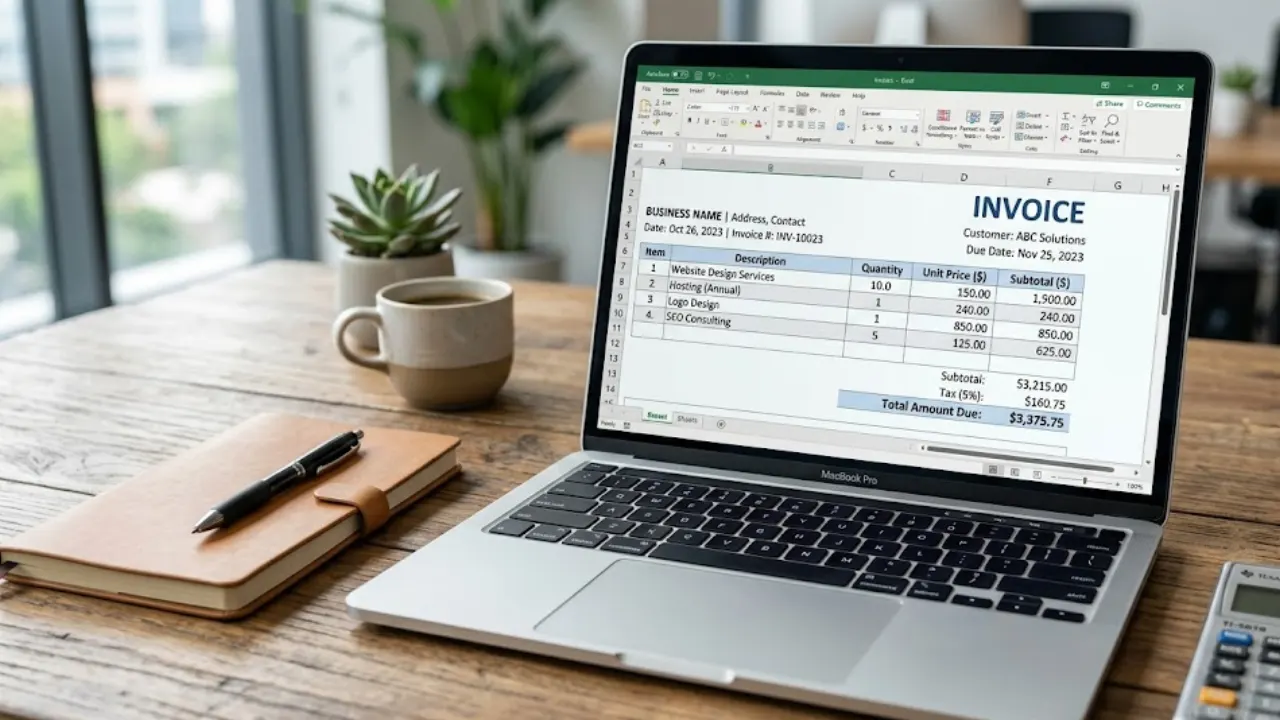
Free Invoice Template in Excel: Download & Create Professional Invoices Easily
A free invoice template in Excel helps you create clean and professional invoices without any design skills. You can easily edit details like client name, services, price, and total amount. It’s simple, fast, and perfect for freelancers and small businesses who want an organized billing process.
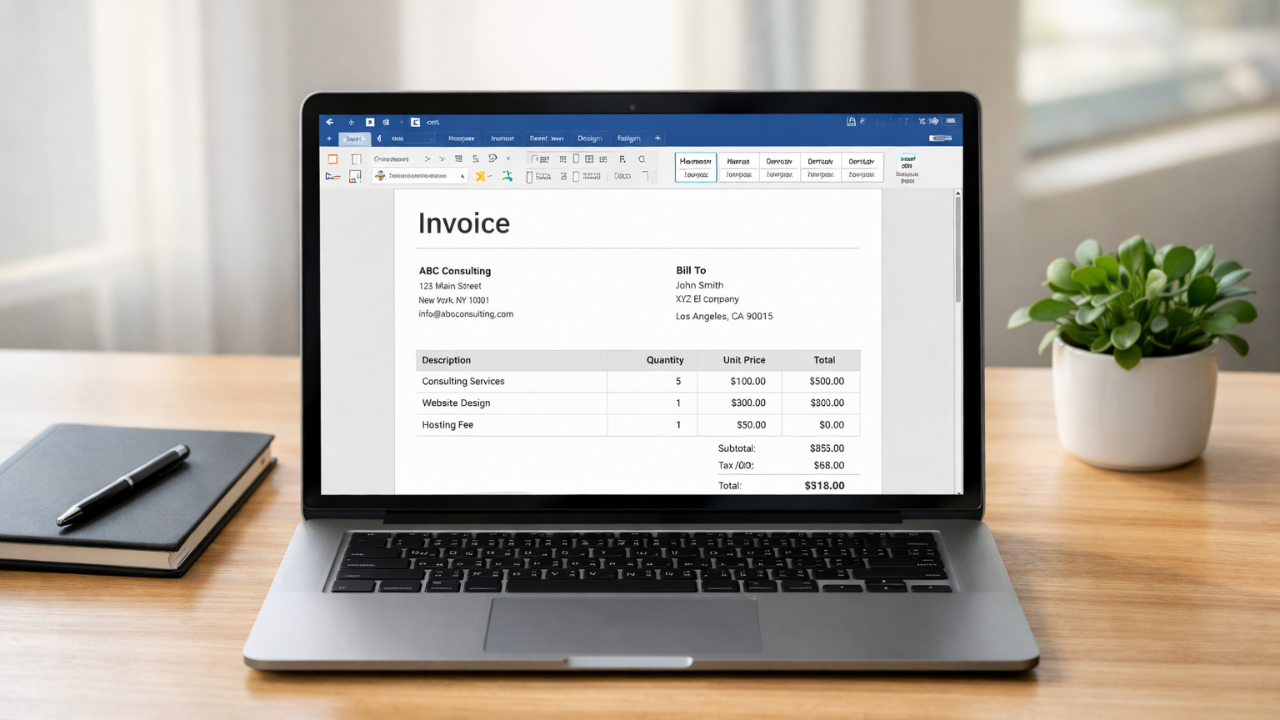
Simple Invoice Format in Word (Free Template for Small Businesses)
Learn how to create a simple invoice format in Word with easy examples, essential invoice elements, and step-by-step guidance.